Contents
- Key takeaways
- Ten criteria, side by side
- 1. Who opens the admin panel in eighteen months
- 2. Editing without a developer, design fidelity and speed
- 3. The price over three years, second language included
- 4. AI search readiness, measured on eleven live sites
- 5. Leaving, and moving without losing traffic
- How to decide: five questions, with a company for each
- Method and limitations
- Find out which one fits your company
- Frequently asked questions
Webflow suits a company site that the marketing team runs without a developer; WordPress suits a site with integrations, a large archive and a developer on staff or on retainer. Over three years the licences cost about the same and the maintenance hours decide. We compare them on ten criteria, price a bilingual site for three years, measure eleven live company sites for AI search and give a checklist for moving without losing traffic.
Verdict
For a marketing website of up to a few hundred pages that the marketing team runs without a developer, choose Webflow. Choose WordPress when the site needs custom roles and workflows, deep integrations with internal systems, a large content archive, or must run on your own servers. Neither is ready for AI search out of the box; both can be made ready, and the work is smaller than the platform choice.
Webflow
Best for
A B2B or SaaS marketing site, a corporate site of a company with a marketing team, a site that changes every week and must look exactly as designed. Hosting, CDN, SSL, backups and updates are included, so there is nothing to maintain.
Not for
The site needs a client area, custom user roles, a database of thousands of records with complex relations, or must run on your own infrastructure. Or the budget for hosting is zero and a developer is already on staff.
WordPress
Best for
A media site or a large content archive, a corporate site with integrations into a CRM, an ERP or a client portal, a company with its own developer or a contractor on retainer, a project with strict data residency requirements.
Not for
Nobody will own updates, backups and plugin security. The marketing team wants to change layouts itself. The design must stay as in the mockups for years.
Two questions come before any other at our first meeting with a company redoing its website: who will run the site afterwards, and will the traffic survive the move. The platform itself is proposed by whoever will build the site, and the choice then holds for four or five years. According to W3Techs, WordPress runs 40.2% of all websites and 58.8% of sites with a known CMS; Webflow runs 0.8% and 1.2%. The scale says nothing about which one fits a given company, and that is what this page is for.
This page is for a company that already has a website and is choosing what to build the next one on. That site presents the company, brings in enquiries and is edited by the marketing team. Stores and web applications belong in another comparison. We have built on both platforms. Below are ten criteria in one table, then the five rows that decide the choice, one section each with its numbers and their sources. Among them a bilingual site priced for three years, an AI search readiness table measured on eleven live sites, and a checklist for moving without losing traffic.
Key takeaways
- The platforms differ in who maintains the site; either can look the same. Webflow hosts, updates and secures the site itself. WordPress gives you the software and leaves hosting, updates and plugin security to you or your contractor.
- Over three years the licences are close; the hours decide. A Webflow site with a CMS is $25 a month billed yearly. Managed WordPress hosting of comparable quality starts at $30 a month; the software is free, and by our estimate a well-kept site takes two to four hours of someone's time a month.
- For AI search the platform matters less than the settings. On both platforms the text of the page is in the HTML. But three of the six WordPress sites we measured answer OpenAI's crawler with a 403, and none of the five Webflow sites do. The cause is the hosting, not WordPress: in a second measurement of international sites all five on WordPress admit the crawler. The fix takes an hour.
Ten criteria, side by side
Prices are from webflow.com/pricing and kinsta.com/plans on 22 September 2026, yearly billing. Market shares come from W3Techs for the same day. Security figures are from Patchstack's report on 2024. The AI search readiness table uses the six checks from our review of ten design studios. We ran them on 22 September 2026 on five Webflow and six WordPress sites of companies known in Ukraine; the raw data is a CSV file. On our position: Figmatica builds websites on Webflow, on WordPress and in code, and runs its own site in code, on Next.js. We earn from the project, and we give the verdict above at first meetings too.
| Criterion | Webflow | WordPress |
|---|---|---|
| Hosting and maintenance | Included, nothing to maintain | Yours: hosting, updates, backups, security |
| Monthly cost, one site with CMS | $25 billed yearly, plus seats | $0 software, $30 managed hosting, plugins extra |
| Editing by marketing | Text, images, CMS and layouts | Text, images, CMS; layouts depend on the theme |
| Design fidelity | The mockup is the site | Depends on the theme and the developer |
| Performance | Fast by default, CDN included | Depends on hosting, theme and plugins |
| Security | Platform's responsibility | Yours; 96% of 2024 vulnerabilities were in plugins |
| Multilingual site | Built in, $9 per locale for up to 3 | Plugin (WPML, Polylang), free or paid |
| Integrations and custom logic | Forms, API, apps; no server code | Anything, with a developer |
| AI search readiness | Text in HTML; crawler controls and llms.txt in every plan; 5 of 5 sites admit GPTBot | Text in HTML; 3 of 6 sites block GPTBot through the host's firewall, not through WordPress |
| Leaving the platform | HTML and CSS export on a Workspace plan; CMS to CSV | Full export, the database is yours |
1. Who opens the admin panel in eighteen months
This criterion decides most cases. A Webflow site has no server to manage: hosting, CDN, SSL certificates, backups and platform updates are part of the subscription, and there is no version to upgrade. A WordPress site needs a host, a person who applies core, theme and plugin updates, and a backup routine. Managed hosts such as Kinsta or WP Engine take the server work; the plugin work stays with you.
The risk is in the plugin work. Patchstack's report on 2024 counted 7,966 new vulnerabilities in WordPress, its plugins and themes, about 22 a day. 96% were in plugins, 4% in themes, and only seven in WordPress core. A third had no patch at the moment of public disclosure, and that year the official repository removed 1,614 plugins and themes for unpatched issues. A plugin removed from the repository stays installed on live sites. The core is well maintained; a WordPress site is exactly as secure as its least maintained plugin. On Webflow there are no plugins in this sense and no server of yours to break into; Webflow answers for the platform's security.
So ask one question before anything else: who will open the admin panel in eighteen months to install updates? If the honest answer is nobody, WordPress will slowly become a liability, and Webflow is the safer choice regardless of the rest of this page. If the answer is a studio on retainer, either platform works; this is how a client of ours described that arrangement on Clutch.
The team consistently delivered on time and was highly accommodating of questions and concerns.
2. Editing without a developer, design fidelity and speed
Once someone maintains the site, the next question is what marketing can change on its own. Both platforms let a marketer change text and images and add a blog post or a case study through the CMS. The difference begins at layout. In Webflow the editor can add a section, move a block or build a new landing page from the site's own components, within the design system the designer set up. In WordPress the same task depends on the theme. With a page builder such as Elementor it is possible, but the result departs from the original design; with a custom theme it goes to the developer. This decides how often the site changes. A team that can build a landing page in an afternoon builds one for every campaign; a team that has to brief a developer builds one a quarter.
Design fidelity follows the same pattern. The designer builds a Webflow site in the visual builder, so the mockup and the site are the same thing and stay the same as the site grows. On WordPress the site is built as a theme: a developer writes one from the mockup or adapts a purchased one. The fidelity depends on the developer, and each later edit through a page builder lowers it a little. Speed too: Webflow serves static pages from a CDN and converts images to WebP, so a clean site is fast without effort. WordPress can be as fast on good hosting with a lean theme and a caching plugin. It can also be slow with a heavy theme and thirty plugins; both are common. On Webflow speed comes by default; on WordPress it has to be kept up.
3. The price over three years, second language included
Webflow's site plans on 22 September 2026, billed yearly: Basic at $15 a month for a site without a CMS and up to 300 static pages. Premium at $25 covers a site with a CMS, 20,000 items and 40 collections. Designers on the team pay $39 a month per full seat, editors $15 per limited seat; reviewers are free. Webflow Localize adds a second language: the Essential tier is $9 a month per locale for up to three locales, with 10,000 machine-translated words a month each. The Advanced tier is $29 per locale for up to ten. A typical company site with a CMS, one editor and one extra language comes to $49 a month, or $1,764 over three years, everything included. Without the extra seat it is $34 and $1,224.
WordPress itself is free. Managed hosting comparable to Webflow's in speed and support starts at $30 a month at Kinsta for one site billed yearly, $35 monthly; shared hosting is cheaper and slower. Add paid plugins where the free ones fall short: a form builder, an SEO plugin, a backup plugin. For the second language, WPML, which is paid, or Polylang, free in its basic version. By our estimate that is $150 to $500 a year together. Add the maintenance hours: two to four a month for a well-kept site, again our estimate from the sites we have run. Over three years that comes to $1,080 for hosting, $450 to $1,500 for plugins, and 72 to 144 hours of someone's time. The licences are close; the hours are the real cost, and they are why companies without a developer end up with an outdated WordPress site.
We have run a Webflow site with 80 country pages on one template and WordPress sites in two languages on Polylang. Both work. On Webflow the cost of a second language is in the subscription; on WordPress it is in the setup and the testing.
4. AI search readiness, measured on eleven live sites
Buyers ask ChatGPT, Perplexity and Claude which company to contact, and an assistant can recommend only what it managed to read. On 22 September 2026 we ran the six checks from our studios review on the homepages of five Webflow sites and six WordPress sites of companies known in Ukraine. We checked for an llms.txt file, Organization markup, FAQ markup, words readable without JavaScript, Markdown copies of pages, and whether OpenAI's crawler is admitted.
| Site | Platform | Words without JS | llms.txt | Organization | FAQ | Markdown | GPTBot |
|---|---|---|---|---|---|---|---|
| mate.academy | Webflow | 2,160 | yes | no | no | no | admitted |
| halo-lab.com | Webflow | 1,558 | no | yes | no | no | admitted |
| zenedu.io | Webflow | 1,037 | no | no | no | no | admitted |
| netpeak.ua | Webflow | 585 | yes | no | no | no | admitted |
| promodo.ua | Webflow | 311 | yes | yes | yes | no | admitted |
| eleks.com | WordPress | 3,053 | yes | yes | no | no | 403 |
| uitop.design | WordPress | 1,722 | yes | yes | yes | no | admitted |
| intellias.com | WordPress | 1,137 | no | yes | no | no | admitted |
| kernel.ua | WordPress | 626 | no | no | no | no | 403 |
| brdo.com.ua | WordPress | 540 | no | yes | no | no | 403 |
| zgraya.digital | WordPress | 297 | no | yes | no | no | admitted |
The table shows three things. First, the text is readable without JavaScript on every site on both platforms. This check is the costliest to fix, and neither platform fails it, because both render pages on the server. Second, the cheap files are there on some sites and not others, on both platforms. An llms.txt is on three of five Webflow sites and two of six WordPress sites; FAQ markup on one site of each platform; Markdown copies on none. Third, the one systematic difference is crawler access: all five Webflow sites admit GPTBot, while three of the six WordPress sites answer it with a 403. That answer comes from a firewall or a security plugin that a host switched on with bot blocking as the default, and nobody has looked at it since. That is a property of the hosting, not of WordPress. In a second measurement the same day, ten international B2B SaaS sites, all five WordPress sites admitted GPTBot (the raw data). So this row is about who set up the server, not about the CMS.
Webflow has started to treat this as a product: its site plans now list crawler access controls, robots.txt and llms.txt management, and schema markup support. On WordPress whoever maintains the site does the same in an hour with an SEO plugin and a text file. So the comparison returns to criterion one: who opens the admin panel.
5. Leaving, and moving without losing traffic
A platform is also chosen for the day you leave it. WordPress is fully portable: the database and the files are yours, any host takes them, and an export of posts and pages is a standard function. Webflow exports the HTML, CSS and assets of the site on a paid Workspace plan, and CMS content as CSV. Forms, site search and localized pages stay behind, so you can rebuild elsewhere, but the visual builder and the hosting stay with Webflow. A move in either direction means a rebuild, and the traffic is what must survive it. It survives when the following is done, in this order.
- Inventory. Export every URL of the old site from Search Console and the sitemap, with clicks and impressions for the last twelve months. Move the pages that bring traffic first and check them last.
- Keep the addresses. Wherever possible the new site keeps the old URL structure. Where it cannot, every old address gets a permanent 301 redirect to its one closest new page, never to the home page.
- Carry the metadata. Titles, descriptions, canonical tags, hreflang between languages, structured data and image alt text move with the pages. Both platforms let you set all of these per page.
- Launch on the same domain and submit the sitemap. Keep the domain and change only the hosting. The day of launch, submit the new sitemap in Search Console and request indexing of the twenty most important pages.
- Watch for four weeks. Compare clicks per page with the inventory weekly. A drop on one page means a broken redirect or lost content on that page; fix it the same day. A drop everywhere means a technical fault: a noindex tag left from staging, a blocked robots.txt, a blocked crawler.
Done this way, a migration costs a few weeks of slightly lower positions at most. We do such moves as a service, moving old sites without losing traffic, and the checklist above covers all of it; after that, only care.
How to decide: five questions, with a company for each
- 1. Who will maintain the site in eighteen months? No name: Webflow. A B2B company with a marketing team and no developer, which is most of the companies that come to us, builds its landing pages itself and nobody has to remember updates.
- 2. Does the marketing team need to change layouts, or only text? Layouts: Webflow. Only text, with a developer on retainer: either.
- 3. Is the site a content archive with thousands of pages? Yes: WordPress. It was built for exactly this, a media outlet, an association or an educational project with editorial roles, taxonomies and a decade of articles; a contractor on retainer is part of the plan anyway.
- 4. Does the site need logins, custom roles or a connection to internal systems? Yes: WordPress with a developer, or a Webflow marketing site with the application built separately in code. A company with a client portal, a configurator or prices from an ERP increasingly takes the second route, because it keeps the marketing team independent.
- 5. How many languages, now and in three years? Two: either, $9 a month on Webflow or a free plugin on WordPress. Five or more: on Webflow you need the Advanced tier at $29 per locale, on WordPress a paid plugin and a theme prepared for translation; ask for the numbers before choosing.
Two sites we designed and built on Webflow, and what clients say about the work on Clutch.



Method and limitations
We took prices and plan limits from the vendors' public pages on 22 September 2026; they will change, and the page shows its date and will be updated. The maintenance hours and the plugin budget are our estimates from the sites we have run, and are marked as such. For the readiness table we made one request per check to the homepage of each site, from a computer in Ukraine. We counted the text in the HTML the server returns before any script runs. The GPTBot check uses OpenAI's published user agent string from our network, so a site that filters by address may answer the real crawler differently. Eleven sites show a pattern; the sample is too small for proof. We cross-checked the 403 answers against a second measurement the same day, ten international B2B SaaS sites, where all five WordPress sites admitted the crawler; that is why we call it a hosting setting. If you represent one of these sites and a result is wrong or out of date, write to hello@figmatica.com and we will rerun the check the same day.
Find out which one fits your company
If nobody has touched your current site for two years, on either platform, it most likely carries a maintenance debt nobody has priced. It probably fails several of the six readiness checks as well. Book a call: before the meeting we run the six checks on your domain and bring a recommendation on the platform. If a move is needed, we bring a plan for moving without losing traffic with it.
Websites and products we shipped
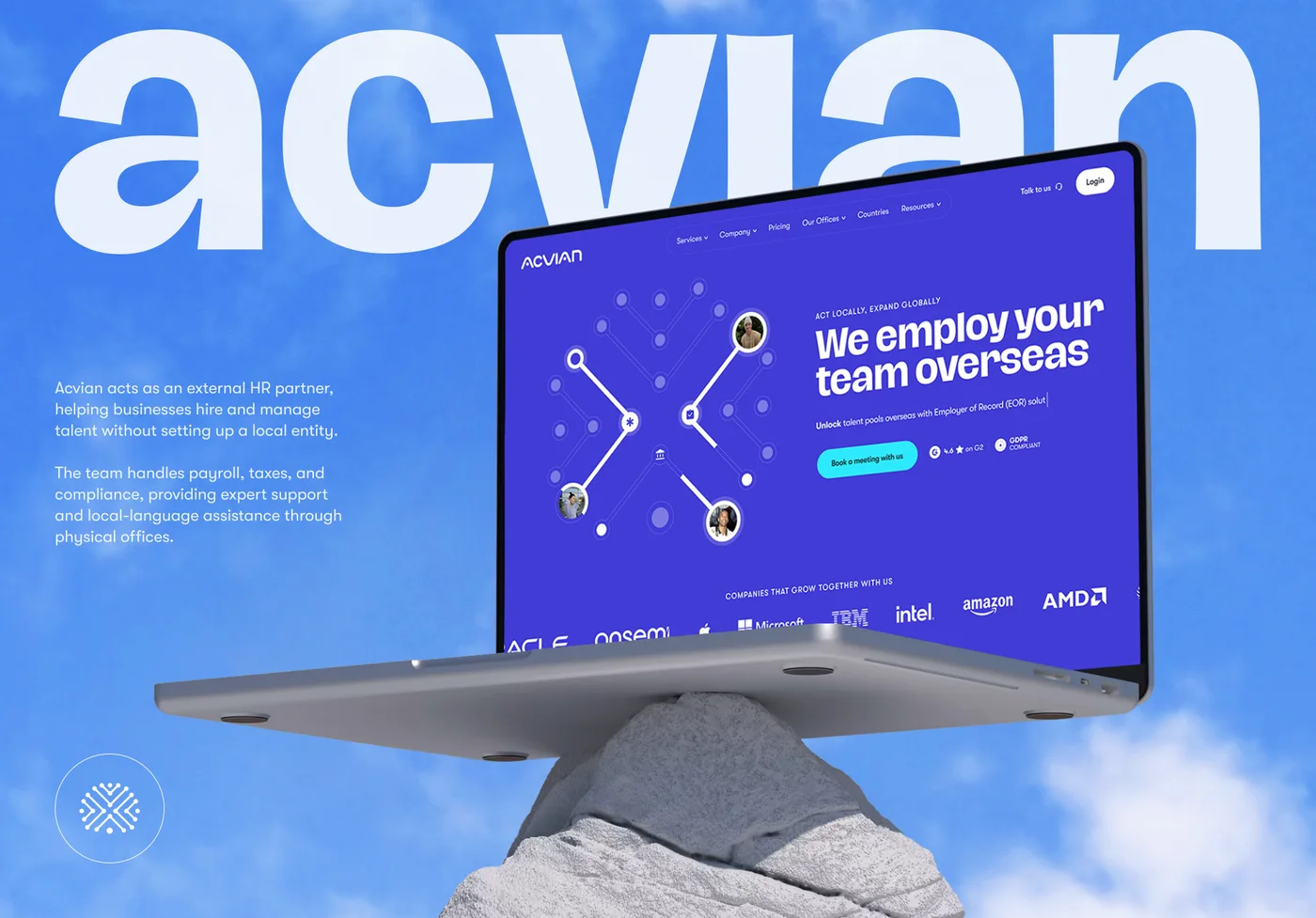 Acvian30+ pages in 60 days: a new Webflow site for a global HR partner
 BloxFi80+ country pages from one template: how a fintech API went global
 CheckMyRate2 months from research to launch: a Webflow site for an Australian mortgage broker
Want the same for your site? 30 minutes, free.
Book a free call ↗