Contents
- What is a programmatic country page?
- When should you build pages from a CMS template?
- How do you structure Webflow CMS collections for country pages?
- What should every country page contain?
- How do you avoid thin and duplicate content at scale?
- How do AI assistants read a consistent page structure?
- A calculator instead of a pricing table
- Motion only where it explains
- How to launch pages for many markets, step by step
- Frequently asked questions
Build one Webflow CMS template, store each country as a CMS item with its own currencies, payment rails and methods, and let the template render the page. That is how BloxFi got 80+ country pages, and a new market is now a data entry.
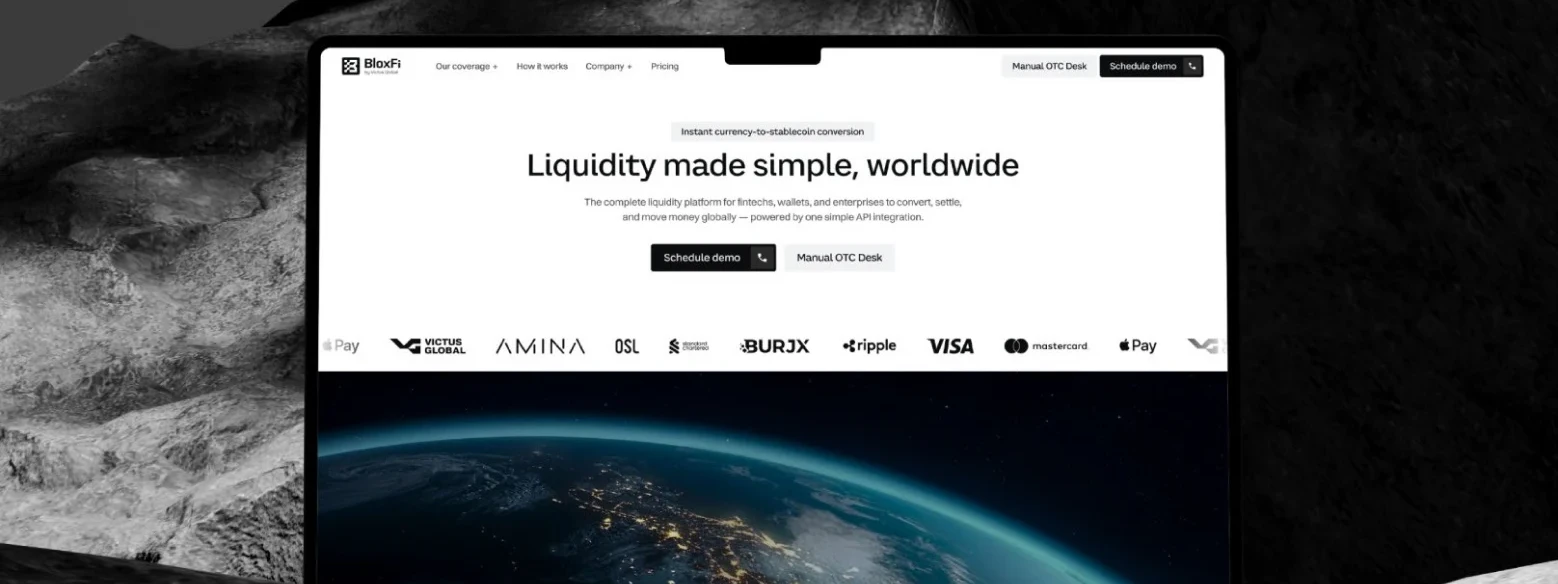
BloxFi is a global API for currency conversion and cross-border settlement, built for fintechs, digital wallets and enterprises. When they came to us the product was ready. The website had to make it read as infrastructure a finance team can trust with money in 120+ currencies.
The core of the site is 80+ country pages built from a single Webflow template. Below is how we structured the data, what each page contains, how we kept the pages from turning thin, and how to decide whether the same approach fits your product.
- Data model before design. Decide which facts every market page must show, then build the template around them.
- Unique data on every page. A page that only swaps the country name is thin. Currencies, rails and methods make it worth indexing.
- Identical structure. Search engines and AI assistants parse 80 pages that follow one pattern more reliably than 80 one-offs.
- A new market is a CMS entry. Once the template exists, adding a country takes minutes and no designer.
What is a programmatic country page?
A programmatic country page is a page generated from one shared template and one structured data record per market, instead of being designed and written by hand. The template holds layout and copy patterns. The record holds the facts that differ between markets.
For BloxFi the reason was the buyer. A payments buyer asks one thing first: can this move my money safely, in my corridors, at my volume? So the site answers in that order: coverage, compliance, integration, pricing. Brand storytelling comes after.
Coverage is the first answer, and it is different for every country. That is where the 80+ pages come from. Someone searching for currency conversion in a specific market should land on a page about that market, not on a global list they have to scan.
When should you build pages from a CMS template?
Use a CMS template when many pages answer the same question with different data. Design by hand when each page needs its own argument.
- Good fit: countries, cities, currency pairs, integrations, industries, locations. Each has real facts that change from page to page and a searcher who wants exactly that slice.
- Poor fit: flagship product pages, case studies and anything where the story matters more than the data. A template flattens them.
- Test before you build: write three sample pages by hand. If they are nearly identical and differ only in the name, you do not have enough data yet. Collect it first or merge the pages into one.
- Check demand: confirm people actually search by market before you publish 80 pages. We do this in keyword and AEO discovery.
How do you structure Webflow CMS collections for country pages?
Make one Countries collection whose items become the pages, and keep reusable things like currencies and payment methods in their own collections linked by reference fields. Then every fact lives in one place and updates everywhere.
We designed one coverage template in Webflow and connected it to the CMS. Each country is a CMS entry with its currencies, payment rails and methods. The template turns that entry into a full page. Webflow describes its CMS the same way: design the template once, and every new item follows that structure.
A structure that works for most market pages:
- Countries (template collection). Name, slug, region, local currency, short intro, coverage status, SEO title and description, plus multi-reference fields to the collections below.
- Currencies. Code, name, symbol. One currency can belong to several countries, so it must not be typed into each page.
- Payment rails and methods. One item per rail or method with a one-line description, so every country page explains it the same way.
- Regions. Groups countries for hub pages and for the related-markets block at the bottom of each page.
Two rules save the most pain later. Fix the slug pattern before launch, because changing 80 URLs means 80 redirects. And use conditional visibility for optional blocks, so a country without a given method shows nothing instead of an empty heading. If content comes from another system, Webflow's CMS API can create and update items. Check your plan's CMS item limit before you commit to a large collection; the limits of Webflow and Framer plans are side by side in our Webflow or Framer comparison, and Next.js or Webflow weighs the same site in code.
Key takeawayOne template, 80+ pages, and a new market is one more CMS entry.
What should every country page contain?
Every country page should answer, in the first screen, whether the product works in that market and how. Everything else supports that answer.
- A direct coverage statement. One sentence in the page title and intro that names the country and what is supported there.
- Market-specific facts. For BloxFi that is the country's currencies, payment rails and methods. For a SaaS it might be data residency, local integrations or language support.
- The same sections in the same order. Visitors comparing two markets find the answer in the same spot on both pages.
- A next step. A calculator, a contact form or docs. On BloxFi it is the rate calculator, covered below.
- Links to related markets. Neighbouring countries and the region hub, so no page is an orphan.
How do you avoid thin and duplicate content at scale?
Publish a page only when it carries data a searcher cannot get from any other page on your site. Google's spam policies name scaled content abuse: many pages generated mainly to manipulate rankings rather than help users. The template is not the problem. Empty pages are.
- Set a minimum data rule. For example, no country goes live without its currencies and at least one payment method filled in. Keep incomplete items as drafts.
- Write the intro per market when it matters. A two-sentence field written by a person beats a sentence with a country name dropped in.
- Link the pages to each other. Region hubs and related-market blocks give every page crawlable links, which Google recommends in its guide to crawlable links.
- Use hreflang only for translations. Country pages in one language are different pages, not versions of one page. Hreflang is for localized versions of the same content, where each version lists itself and all the others. If you later translate the pages, Webflow Localize supports localized URLs and a localized sitemap (as of 2026).
- Merge what cannot stand alone. If two markets have identical data, one page covering both is more honest than two copies.
How do AI assistants read a consistent page structure?
AI assistants pull short, self-contained answers from pages, so a fact stated in plain text in the same place on every page is easier to find and quote than a fact buried in an image or a different layout each time.
Adding a market takes minutes and no designer. Every page keeps the same structure, which search engines and AI assistants read well. In practice that means a heading that names the country, an answer sentence right under it, lists of currencies and methods as real text, and the same order of sections on every page.
Structured data can describe the page to search engines on top of that, and because every page comes from one template, you add it once. To see whether assistants actually cite your market pages, run an AI visibility audit after launch.
A calculator instead of a pricing table
Rates depend on currency pairs and volume, so a static table would mislead. The calculator gives a concrete number in seconds and hands the visitor to the business request form.
The same logic applies to any product where the price depends on inputs. A table either shows a range too wide to be useful or a number that is wrong for most visitors. An interactive tool shows their number and gives them a reason to talk to sales.
Motion only where it explains
The how-it-works section walks through integration step by step. Each animation shows one state change of the money flow, from request to conversion to payout. Decorative motion was left out.
A simple test for any animation on a fintech site: if you removed it, would the visitor understand the product less? If not, it goes. Finance buyers read motion for show as noise.
Two sites we designed and built on Webflow, and a client's review on Clutch.
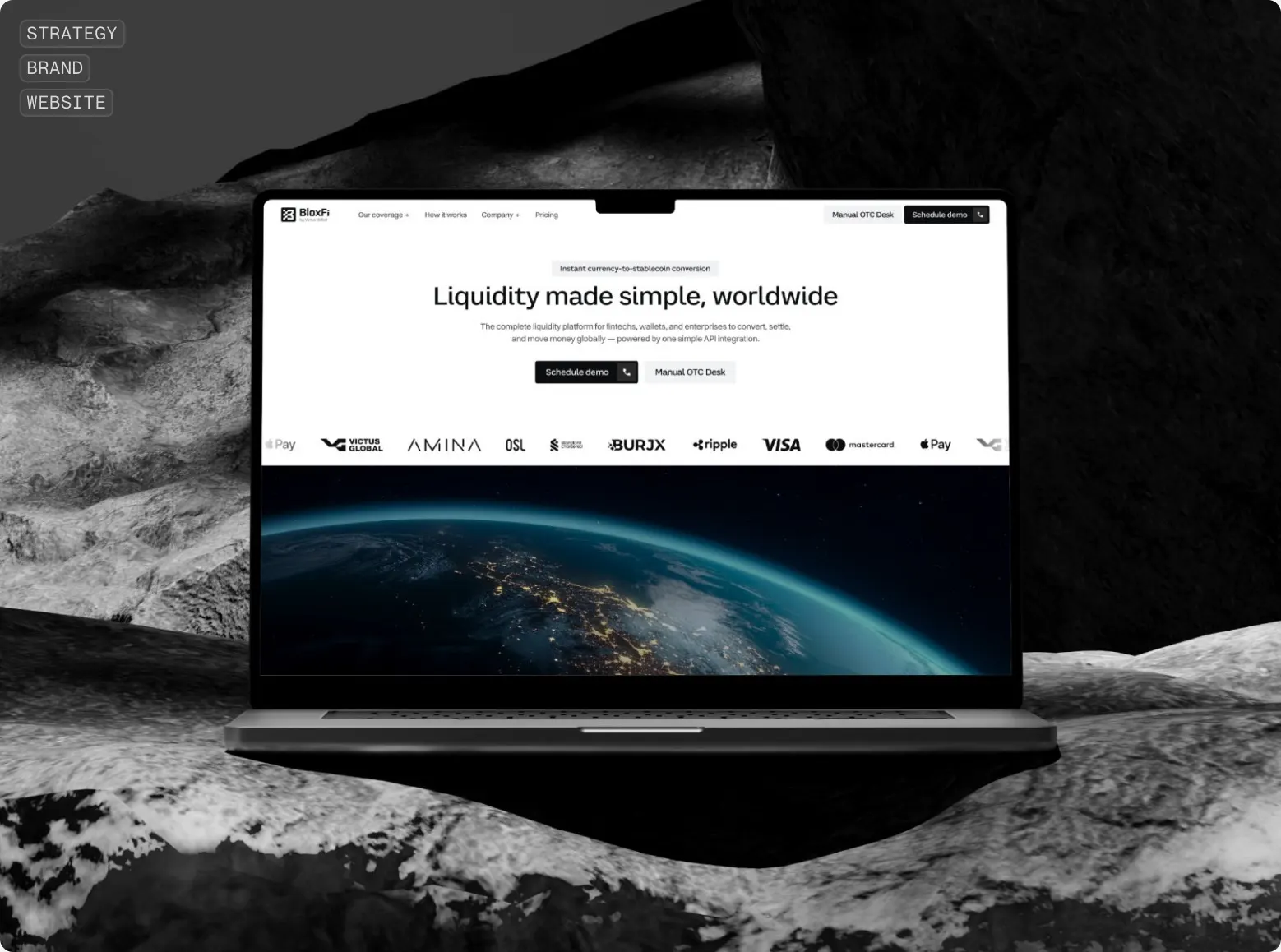 BloxFiGlobal API for currency conversion and settlement. Website redesign.
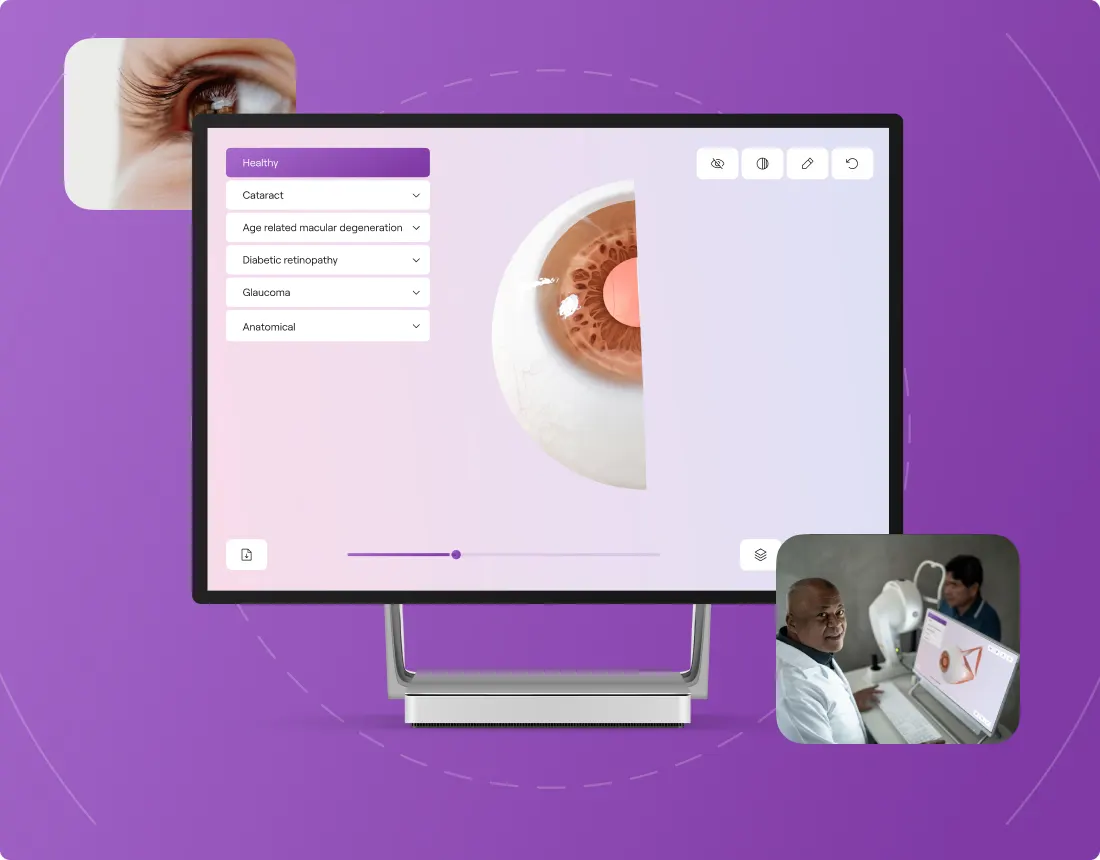 One Right EyeEye-care startup from Austria. Brand and a Webflow website from scratch, with a 3D eye that explains the product.
«The team consistently delivered on time and was highly accommodating of questions and concerns.»
 Vitaliy SpivachukCEO & Co-Founder · Clutch
How to launch pages for many markets, step by step
If your product works in many markets, cities or industries, the same approach applies in six steps:
- 1. Design the data model first. Decide what every page needs to say before drawing any of them. List the fields and mark which ones are required.
- 2. Collect real data for a handful of markets. Fill five items completely. Gaps you find here will repeat 80 times later.
- 3. Then one template. The first page takes longer. Every page after it is almost free. Design it with the longest and the shortest country record, not an average one.
- 4. Keep the structure identical. Search engines and AI assistants read a consistent site better, and it stays consistent as it grows. The same principle sits behind an agentic website.
- 5. Wire the internal links. Region hubs, related markets and links from product pages into the country pages.
- 6. Launch, then fill the rest. Publish the complete markets first and add the others as their data is ready. If you are moving existing pages from an old site, plan redirects as part of the migration.
Websites and products we shipped
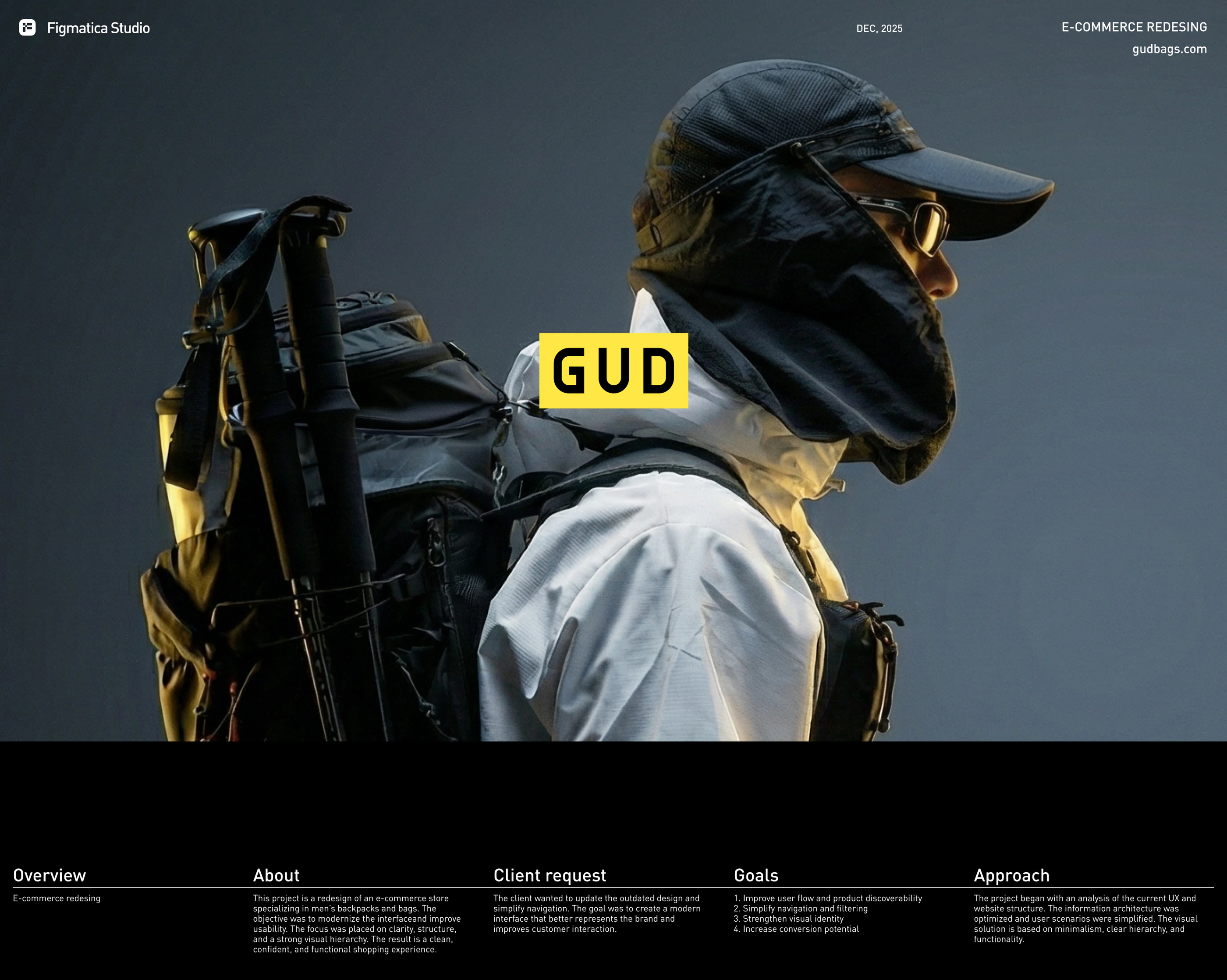 GUD5.5 weeks from research to final design: an online store redesign for a backpack brand
 CheckMyRate2 months from research to launch: a Webflow site for an Australian mortgage broker
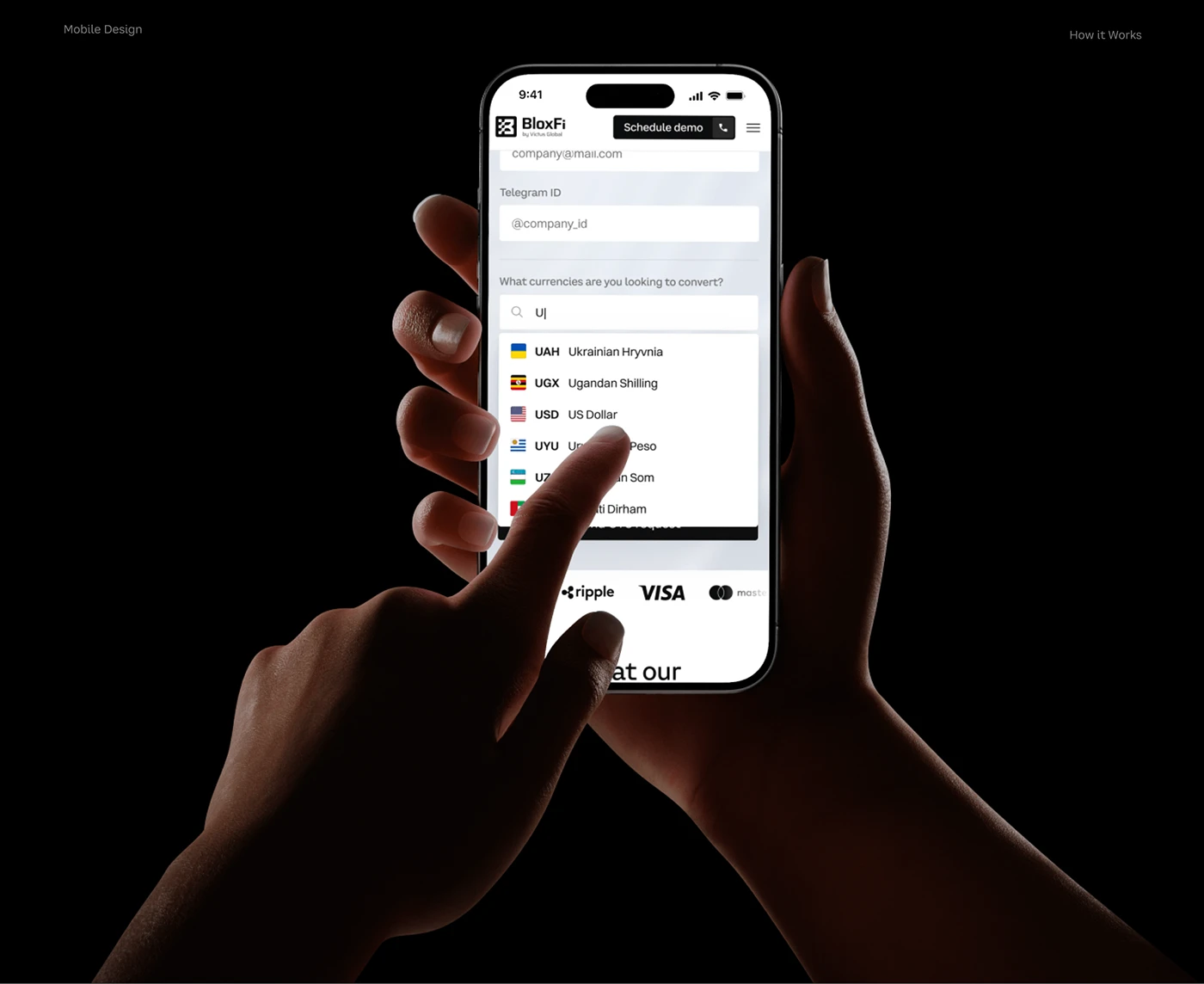 BloxFi80+ country pages from one template: how a fintech API went global
Want the same for your site? 30 minutes, free.
Book a free call ↗