
Contents
- Betty Blocks, Power Apps or OutSystems: which one should you pick?
- What is the difference between no-code and low-code?
- What is Betty Blocks and who is it for?
- What is Microsoft Power Apps good for?
- What is OutSystems and when does it make sense?
- Power Apps vs OutSystems vs Betty Blocks: how do they compare?
- How do you choose an enterprise low-code AI platform?
- What governance and security should enterprises check?
- When should you move from low-code to custom code?
- Can no-code replace coding experience?
- Frequently asked questions
Power Apps fits companies already on Microsoft 365, OutSystems fits large enterprises that need complex, governed apps, and Betty Blocks fits teams that want business users to build with prompts and keep control of their data. Here is how to choose between them in 2026.
Betty Blocks, Power Apps or OutSystems: which one should you pick?
Pick Power Apps if your data and people already live in Microsoft 365, OutSystems if you run large, complex systems with a professional IT team, and Betty Blocks if business teams will build most apps and data sovereignty matters.
An enterprise low-code AI platform is a visual development tool where apps are built from ready components and prompts, with AI assistants and agents built in, and with the security and admin controls a large company needs.
This is part 2 of my overview of AI and no-code platforms; part 1 compares Bubble vs AppSheet vs Mendix for a first app or SaaS. I wrote it in 2023 because the first part got more than 50 claps on Medium. Since then all three platforms have repositioned around AI agents, so we rewrote the post for 2026.
- Power Apps: the default choice inside the Microsoft stack. Data sits in Dataverse, Copilot is built in, and IT governs it with the same admin tools as the rest of Power Platform.
- OutSystems: for large enterprises that build core systems, need professional developers in the loop and want AI agents orchestrated across many apps.
- Betty Blocks: for organizations that want business users to generate apps with prompts while keeping ownership of the code, the AI model and the hosting.
- None of them: if the app is your product, serves customers at scale and its interface is how you win. That is a job for custom design and code.
What is the difference between no-code and low-code?
No-code tools let people build apps without writing any code, while low-code tools are visual first but let developers add code where the visual tools stop.
In practice the line has blurred. All three platforms in this post now describe themselves around AI development or app generation, and all three let you start from a prompt. The useful question is not the label but who will maintain the app in two years.
- No-code fits forms, approvals, internal dashboards and simple portals that a business team owns and changes often.
- Low-code fits apps with complex logic, many integrations and strict performance needs, where a developer team stays responsible.
- Custom code fits products where the interface, speed and cost per user are a competitive advantage.
What is Betty Blocks and who is it for?
Betty Blocks is a platform where business users generate enterprise apps from prompts and visual blocks, and as of 2026 it positions itself as a sovereign AI app generation platform.
"Sovereign" here means you own what you build and choose the AI model and the infrastructure. Betty Blocks says every application compiles to standard React and WebAssembly, which matters if you worry about being locked into one vendor.

As of 2026 its AI features include AI chatbots that work with live data, AI workflows with multi-step automation, autonomous AI agents, AI-infused portals and MCP servers that connect your apps to assistants such as ChatGPT, Claude or Copilot. On security, it lists SOC 2, ISO 27001 and GDPR compliance, role-based access and ADFS single sign-on.
Choose it when citizen developers will do most of the building and the organization cares where data and models live. Be careful when the app needs heavy custom logic or a highly custom interface, because the more you fight the visual builder, the less you save.
What is Microsoft Power Apps good for?
Power Apps is Microsoft's low-code AI app builder, and it is strongest for internal business apps in companies that already run on Microsoft 365.
In 2023 we called it no-code. Microsoft itself describes it as low-code: you can build with drag and drop, with generative AI or with custom code. Data is stored in Microsoft Dataverse, and connectors link apps to other systems.
As of 2026 Microsoft lets you bring Microsoft 365 Copilot into custom apps and oversee AI agents that work inside them. The learning curve is steeper than in simpler drag-and-drop tools, mostly because of formulas and data modeling, but templates and connectors shorten the start.
Choose it when users already sign in with Microsoft accounts and data already sits in SharePoint, Excel or Dynamics 365. Think twice for public, customer-facing products, and price the licences for your real number of users before you commit.
What is OutSystems and when does it make sense?
OutSystems is an AI development platform for large enterprises that combines a low-code foundation with AI, and it makes sense when you build complex, business-critical web and mobile apps.
In 2023 we joked that it was technically low-code, but who's counting. As of 2026 OutSystems calls itself an AI development platform built for the enterprise, with Mentor as the AI partner for generating, delivering and monitoring apps, and Agent Workbench for building custom AI agents.
The typical flow stays the same as in 2023: define what the system must do, model the data and connections, build screens visually, add code where needed, integrate and deploy. OutSystems also offers Data Fabric, a virtual data layer for apps and agents, plus DevOps and lifecycle management.
Choose it when you have or can hire developers who will own the platform. Skip it for a small team with one or two simple apps: an enterprise platform pays off at scale, not for a single form.
Power Apps vs OutSystems vs Betty Blocks: how do they compare?
Power Apps wins on ecosystem fit, OutSystems on complexity and scale, and Betty Blocks on ownership and business-user building. Here is the side-by-side view as of 2026.
- Who builds: Power Apps: business users and developers together. OutSystems: professional developers, helped by AI. Betty Blocks: business users, with IT setting the rules.
- AI layer: Power Apps: Microsoft 365 Copilot and agents inside apps. OutSystems: Mentor, Agent Workbench and agentic workflows. Betty Blocks: chatbots, AI workflows, agents and MCP servers, with a choice of AI model.
- Data: Power Apps: Dataverse plus connectors. OutSystems: Data Fabric as a virtual layer over your sources. Betty Blocks: your choice of infrastructure.
- Main strength: Power Apps: it is already in your stack. OutSystems: complex apps at enterprise scale. Betty Blocks: sovereignty and standard output code.
- Main limit: Power Apps: strongest inside Microsoft, less natural outside it. OutSystems: pays off only with skilled developers and many apps. Betty Blocks: less room for heavy custom logic.
How do you choose an enterprise low-code AI platform?
Choose by running one real use case on two shortlisted platforms for a few weeks, and judge them on who can maintain the result, what it costs at your real user count and how hard it is to leave.
- 1. Start from the use case. Write down the first three apps you will build, who uses them and which systems they touch. A platform that is great for approvals may be wrong for a customer portal.
- 2. Map your stack. List your identity provider, main databases and core systems. Check that each platform has a supported connector, not a workaround.
- 3. Decide who builds. Business users, developers or both. This one answer narrows the list more than any feature table.
- 4. Price it at your real scale. Ask each vendor for a quote at your expected users, environments and AI usage in year two, not the pilot price.
- 5. Test the exit. Ask how you export data, logic and code, and try it during the pilot. If leaving is impossible, treat the choice as a ten-year contract.
- 6. Design before you build. Sketch the flows and screens first. A clear product design phase saves more time than any AI generator, because the generator builds exactly what you describe.
What governance and security should enterprises check?
Enterprises should check who can create and share apps, which data each app and AI agent may reach, and whether admins can see and audit everything from one place.
Low-code makes building easy, which also makes shadow IT easy. The fix is not to block builders but to give them a governed space. In Power Platform, for example, Managed Environments add sharing limits, data policies, usage insights, a solution checker and deployment pipelines.
- Identity: single sign-on with your identity provider and role-based access for every app.
- Data boundaries: policies that stop an app or agent from moving data between business and personal connectors.
- AI controls: which model runs, where prompts and outputs are stored, and whether a human approves an agent's actions before they touch real records.
- Lifecycle: separate development, test and production environments, with deployment through pipelines, not by hand.
- Compliance: certifications such as SOC 2 and ISO 27001, GDPR terms and data residency options, confirmed in the contract, not only on the website.
When should you move from low-code to custom code?
Move to custom code when the app becomes the product itself, when licences cost more than a team would, or when the platform blocks the interface or performance your users need.
Low-code is a great way to prove an idea. It is rarely the best home for a product that competes on experience. The same logic applies to your public website: a platform page builder is fine for launch, but a site that must sell, rank and answer AI assistants usually needs its own build, like an agentic website.
- Signal 1: you write more code inside the platform than you drag, and developers spend time working around it.
- Signal 2: customers, not employees, are the main users, and the interface is part of why they pay.
- Signal 3: per-user licences grow faster than revenue as the user base grows.
- How to move: rebuild one module at a time, keep the old app running until the new one matches it, and plan data export, redirects and tracking up front. For public sites we cover that checklist in our migration service.
Two products we designed, a state fund's website and an AI assistant, and the fund's review on Clutch.
 Ukrainian Startup FundState fund for Ukrainian startups. Website redesign.
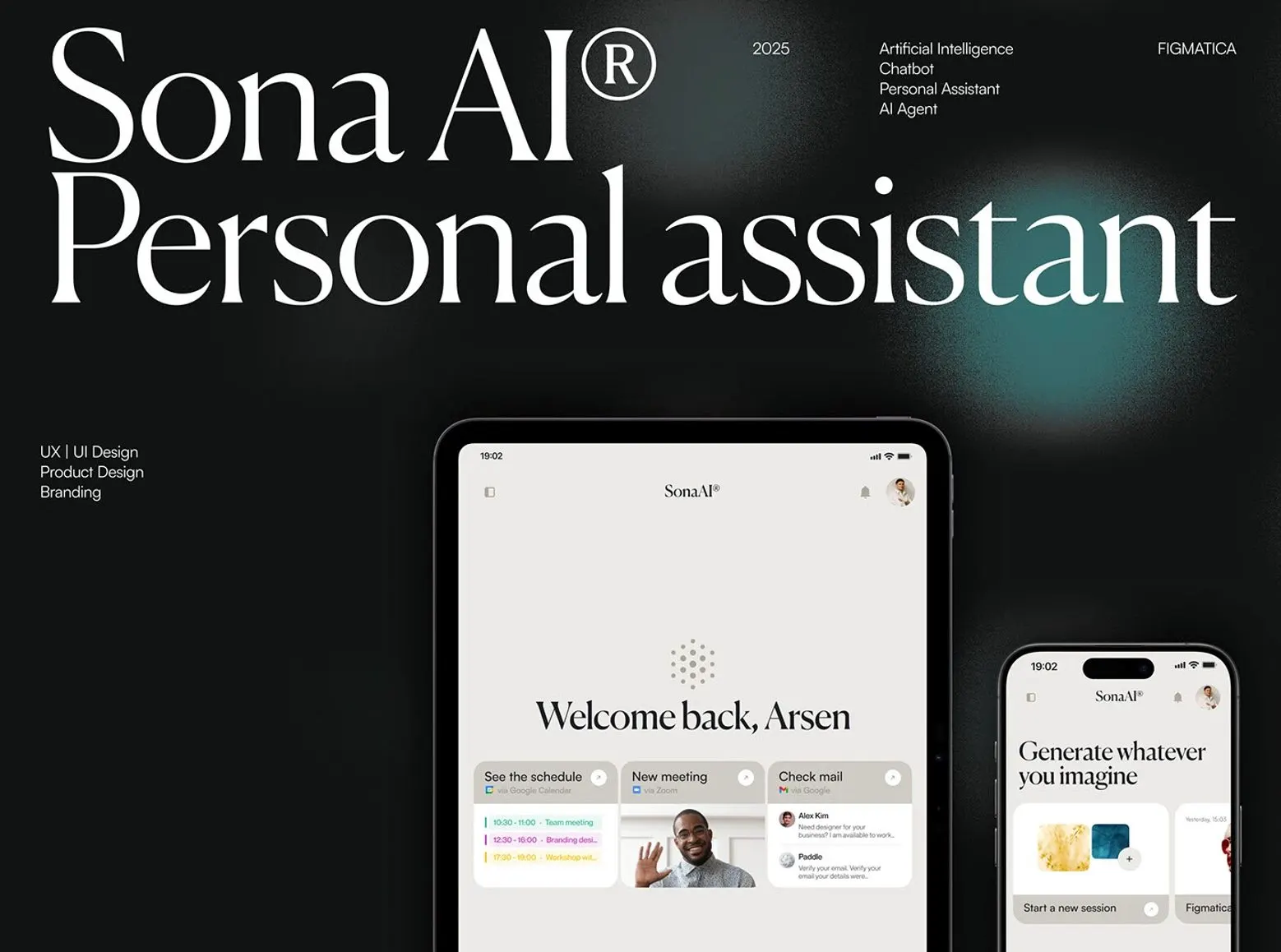 Sona AIAI assistant with chat, images, video and code in one place. Product design and brand.
«The Figmatica team displays effective project management skills.»
Can no-code replace coding experience?
No. No-code and AI generators remove the typing, not the thinking: someone still has to define the problem, model the data and design the flows.
In 2023 I wrote that you no longer need years of practice before you start. That still holds. Building a successful app still takes hard work, and in 2026 the hard part has moved from syntax to judgment. See how we approach AI interfaces in our case studies, such as the AI chatbot for drone pilots.
Key takeawayPick the platform by who will maintain the app in two years, not by the demo.
Websites and products we shipped
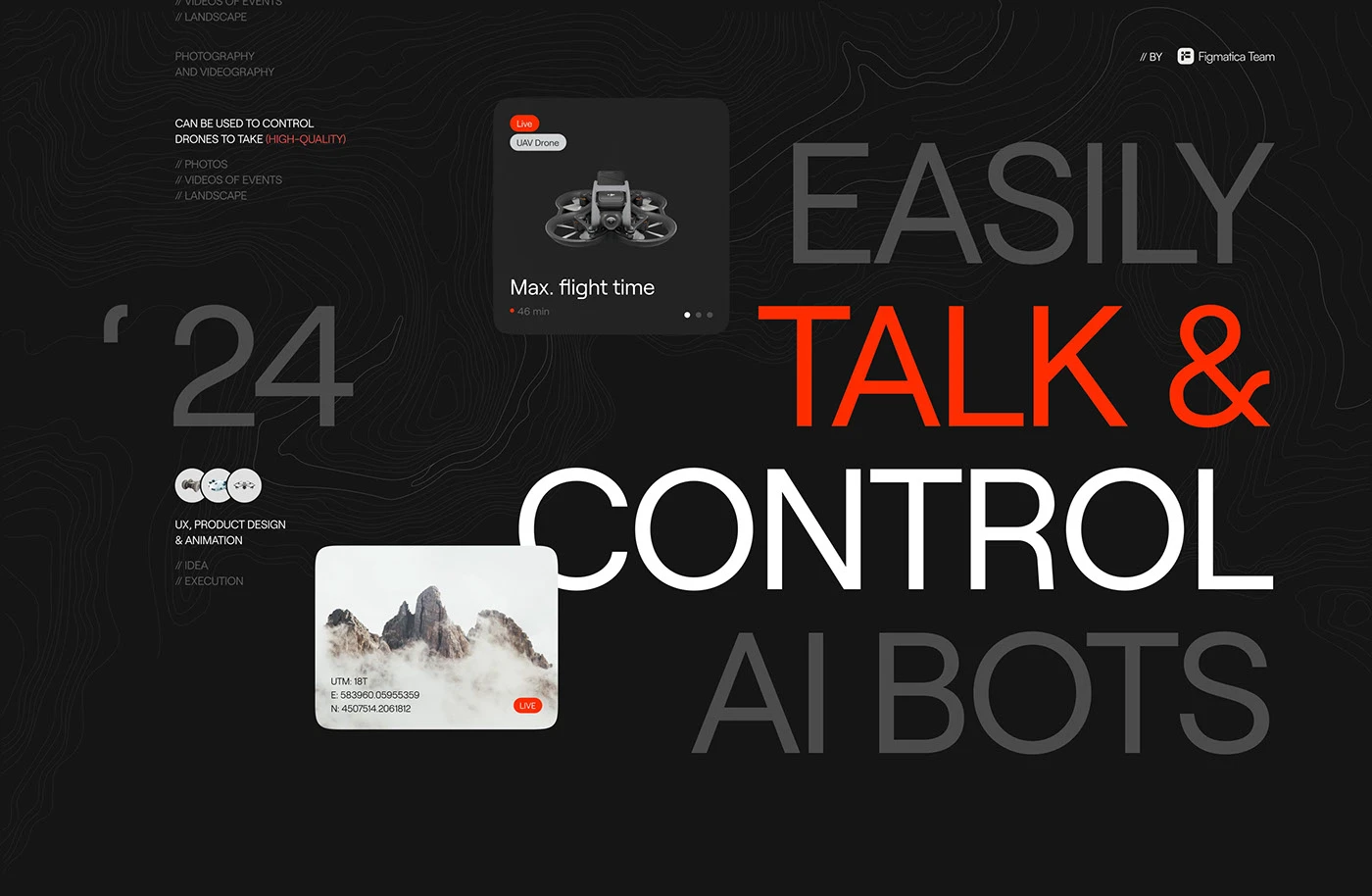 AI Drone ChatBot$2M+ startup, 4 screens, 1 chat: how drone pilots talk to AI
 BloxFi80+ country pages from one template: how a fintech API went global
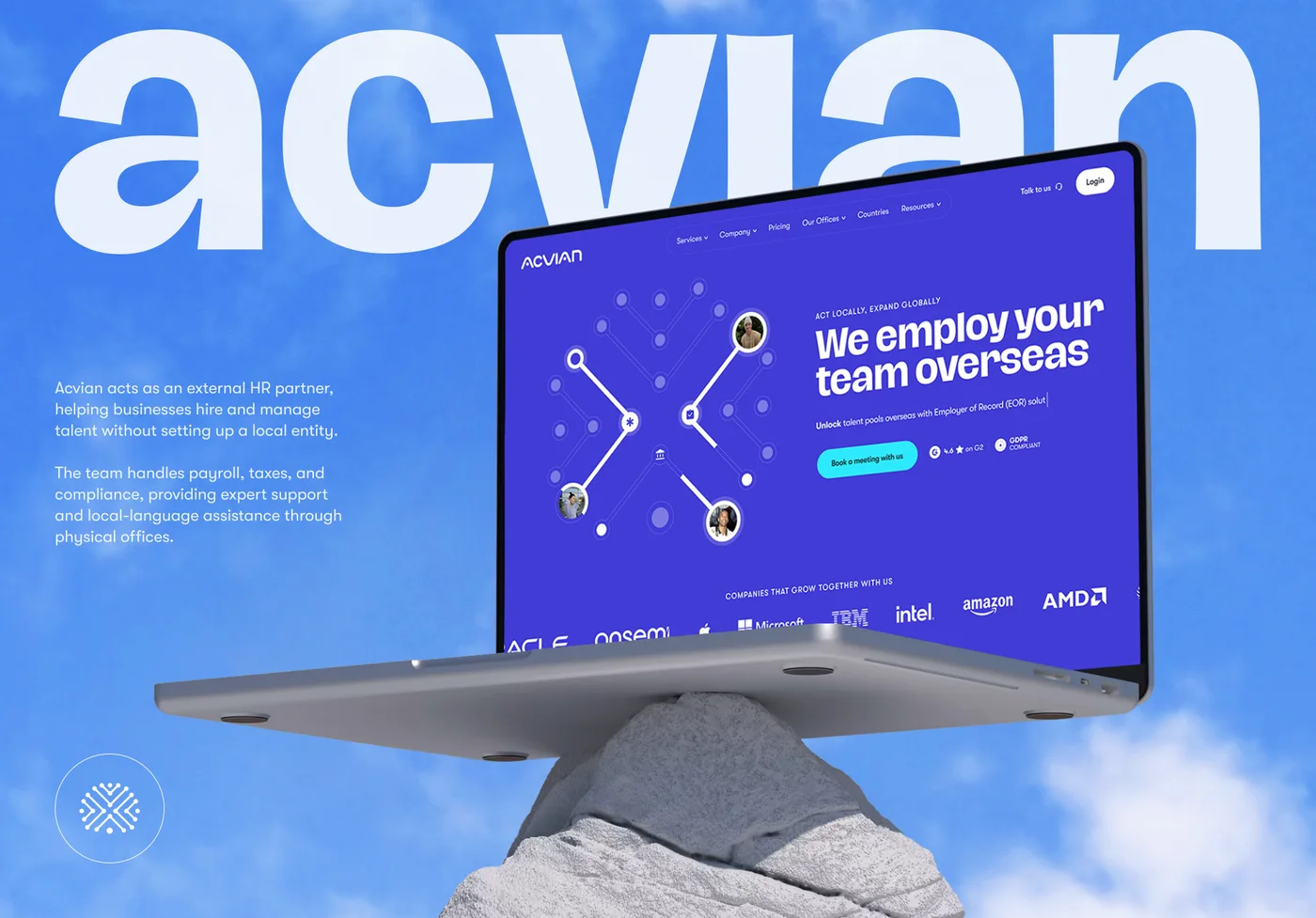 Acvian30+ pages in 60 days: a new Webflow site for a global HR partner
Want the same for your site? 30 minutes, free.
Book a free call ↗