
Contents
- What is the best no-code AI app builder for a first app or SaaS?
- How does AppSheet work, and who is it for?
- How does Bubble work, and who is it for?
- How does Mendix work, and who is it for?
- Bubble vs AppSheet vs Mendix: a side-by-side comparison
- How do you choose a no-code AI platform for a SaaS MVP?
- What can't no-code platforms do well?
- When should you switch from no-code to custom code?
- Why AI and no-code are worth starting with
- Frequently asked questions
Bubble is the best fit for a SaaS MVP, AppSheet for internal apps on top of your data, and Mendix for enterprise teams that need governance. Here is how each works as of 2026 and how to choose.
What is the best no-code AI app builder for a first app or SaaS?
There is no single best one: Bubble suits a customer-facing SaaS MVP, AppSheet suits internal apps built on spreadsheets and databases, and Mendix suits large companies that need governed, enterprise-grade apps. The right pick depends on who uses the app and where your data lives.
A no-code AI app builder is a platform where you build a working app visually, without writing code, and where AI helps you generate the app or adds features like text generation, document reading and predictions. We first wrote this overview in 2023. This version is updated to what AppSheet, Bubble and Mendix offer as of 2026.
Part 2 covers Betty Blocks, PowerApps and OutSystems.
- Bubble is the default choice for a public web or mobile SaaS MVP.
- AppSheet turns data you already have in Google Sheets or a database into an internal app fast.
- Mendix is low-code for enterprise teams, with AI governance and a choice of language models.
- No-code is for validation. Plan the exit to custom code before you hit limits on UX, scale or cost.
How does AppSheet work, and who is it for?
AppSheet is Google's no-code platform that turns your existing data into an app for desktop and mobile. It fits teams that run operations, field work, inspections or inventory from spreadsheets.
As of 2026, AppSheet uses Gemini as its AI helper: you describe the app you need and get a first version to edit. It also offers document processing with text recognition and machine learning features inside apps. Data can come from Google Sheets, Drive, BigQuery, SQL databases, Salesforce, Office 365 and Dropbox.
Building an app in AppSheet takes four steps:
- Connect your data. Start from a Google Sheet, an Excel file or a database table. Clean the columns first: one header row, one type of value per column. AppSheet reads the structure from it.
- Describe or design the app. Prompt Gemini for a first draft, then adjust screens, buttons and fields for entering and viewing data in the editor.
- Add automations. Send an email, update a row or read a scanned document when something changes in the data.
- Share it. Invite coworkers and update the app later without code. Basic building works inside a Google Workspace account, but scaling to a larger team needs AppSheet licenses. Some Workspace Enterprise editions include AppSheet Core.
How does Bubble work, and who is it for?
Bubble is a no-code platform for building full web and native mobile apps, and it is the one we recommend most often for a first SaaS. You get the interface, the database, user accounts and business logic in one place.
As of 2026, Bubble calls itself a no-code AI app builder. An AI agent generates a first version of the app and its design from a prompt, and you keep editing it visually. Apps can be published to iOS and Android as well as the web.
With Bubble you set up workflows between parts of your app. Send an email when someone fills out a form. Update the database when someone clicks a button. Call an AI model through the API Connector or a plugin and show the answer on the page.
Bubble handles hosting, scaling, security and deployment in the background, so you don't set up servers. The trade-off: there is no traditional source code. According to the Bubble FAQ, you own your app design and data, can export data as CSV and read it through the API, and can get the app logic as a JSON file, but the app itself runs on Bubble.
How does Mendix work, and who is it for?
Mendix is a low-code platform from Siemens for enterprise apps, built for companies with IT teams, compliance rules and existing systems. It is not the tool for a solo founder's MVP.
Mendix itself says low-code rather than no-code: you model most of the app visually, and developers can extend it with code. As of 2026 its AI focus is agents in production, AI governance with audit trails, and bringing your own language model, whether frontier, open-source or private.
- Model the data and logic. Define entities and flows visually. This is where Mendix differs from simpler tools: the model is strict, which helps big teams keep apps consistent.
- Build the screens with drag-and-drop widgets: pages, buttons, forms and dashboards.
- Connect your systems, from spreadsheets to ERP and internal APIs, and add AI models your company has approved.
- Publish. Mendix handles deployment and hosting, in its cloud or yours.
Bubble vs AppSheet vs Mendix: a side-by-side comparison
In short: Bubble is for products you sell, AppSheet is for tools your team uses, and Mendix is for enterprise systems with governance. Here is how they compare on the questions that decide a project.
- Bubble. For founders and startups building a public SaaS. Strengths: full control over the interface, a built-in database and user accounts, web and native mobile, an AI agent for the first draft. Limits: the app runs only on Bubble, and complex custom interactions get hard. Switch to code when performance, custom UX or platform cost starts to block the product.
- AppSheet. For operations teams already on Google Workspace. Strengths: an app from existing data in hours, Gemini for the first version, document scanning, mobile use in the field. Limits: the interface follows AppSheet's templates, so it suits internal tools better than a branded customer product. Switch when customers, not employees, become the main users.
- Mendix. For enterprises with IT teams and compliance needs. Strengths: governance, integration with existing systems, choice of cloud and AI model. Limits: heavier to learn and sold to enterprise buyers, so it is overkill for an MVP. Because developers can extend it with code, teams can often grow inside it instead of rewriting.
How do you choose a no-code AI platform for a SaaS MVP?
Choose by the users, the data and the exit plan, not by the feature list. Answer these five questions before you open any editor.
- Who will use it? Paying customers point to Bubble. Your own staff point to AppSheet. Thousands of employees across departments point to Mendix.
- Where does the data live? If it is already in Google Sheets or BigQuery, AppSheet saves weeks. If you are starting from zero, Bubble's built-in database is simpler. If it sits in ERP and legacy systems, Mendix connects to them.
- How much does the interface matter? If the product competes on experience, design the key screens first in Figma, then check the platform can build them. Our product design work usually starts right here.
- What does AI actually do in the product? Write down the one AI feature users pay for. Then check how the platform calls that model and who pays per request. AI that generates the app is a different thing from AI features inside the app.
- What is the exit plan? Decide now what you would take with you: data export, API access, the logic spec. Keep a written description of every workflow so a rebuild is a project, not an archaeology dig.
What can't no-code platforms do well?
No-code struggles with heavy scale, distinctive UX and portability. That is fine while you test an idea and becomes a problem once the product works.
- Scaling. Platforms handle servers for you, but you can't tune queries, caching or background jobs the way an engineer can in code. Heavy data processing and real-time features hit limits first.
- Custom UX. Standard screens are quick. Custom motion, complex drag interactions, fine typography and accessibility details take workarounds or are not possible at all.
- Vendor lock-in. Your data can usually leave. Your app usually can't. Moving off the platform means rebuilding the interface and logic from scratch.
- Cost at volume. Pricing tied to usage, users or AI requests is cheap at the start and can grow faster than revenue. Model it for ten times your current usage before you commit.
- Search visibility. App pages are not a marketing site. Keep the public site separate and built for Google and AI assistants, which is what our AI inbound traffic work covers.
When should you switch from no-code to custom code?
Switch when the platform starts deciding what your product can be. Until then, no-code is usually the faster and cheaper way to learn what users want.
- Workarounds pile up. Each new feature needs a hack, and fixing one workflow breaks another.
- The experience is the product. Competitors win on interface quality and you can't match it inside the editor.
- Investors or clients ask about the stack. Due diligence and enterprise security reviews often ask who owns the code.
- Do not switch too early. If you have no paying users yet, a rewrite spends money on the wrong problem.
Key takeawayUse no-code to find product fit. Use code to keep it.
We designed and built Zenedu's website without code. AI Drone ChatBot is an AI product we designed inside the startup's team. Below, two founders describe the work.
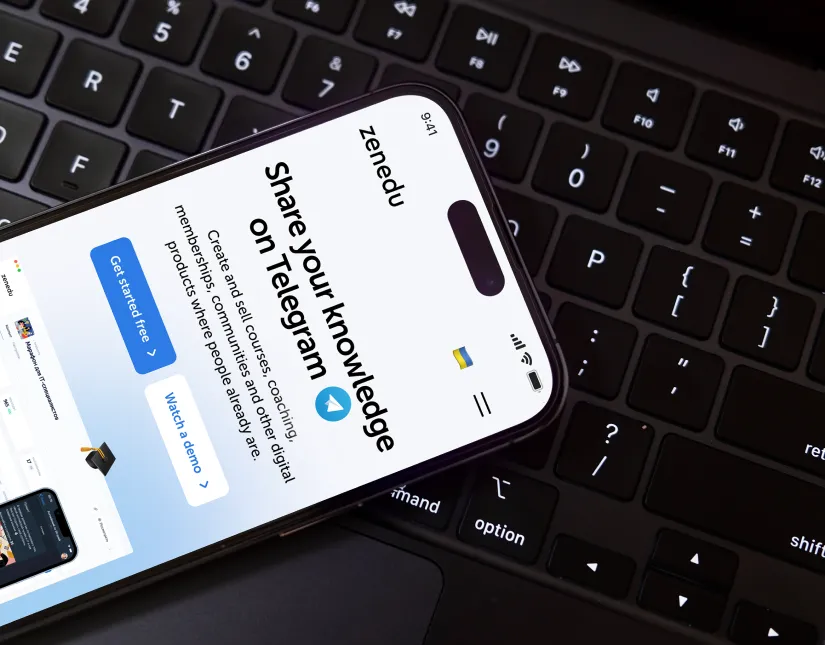 ZeneduPlatform for online schools in messengers, a Y Combinator alumnus. Website design, built on Webflow without code.
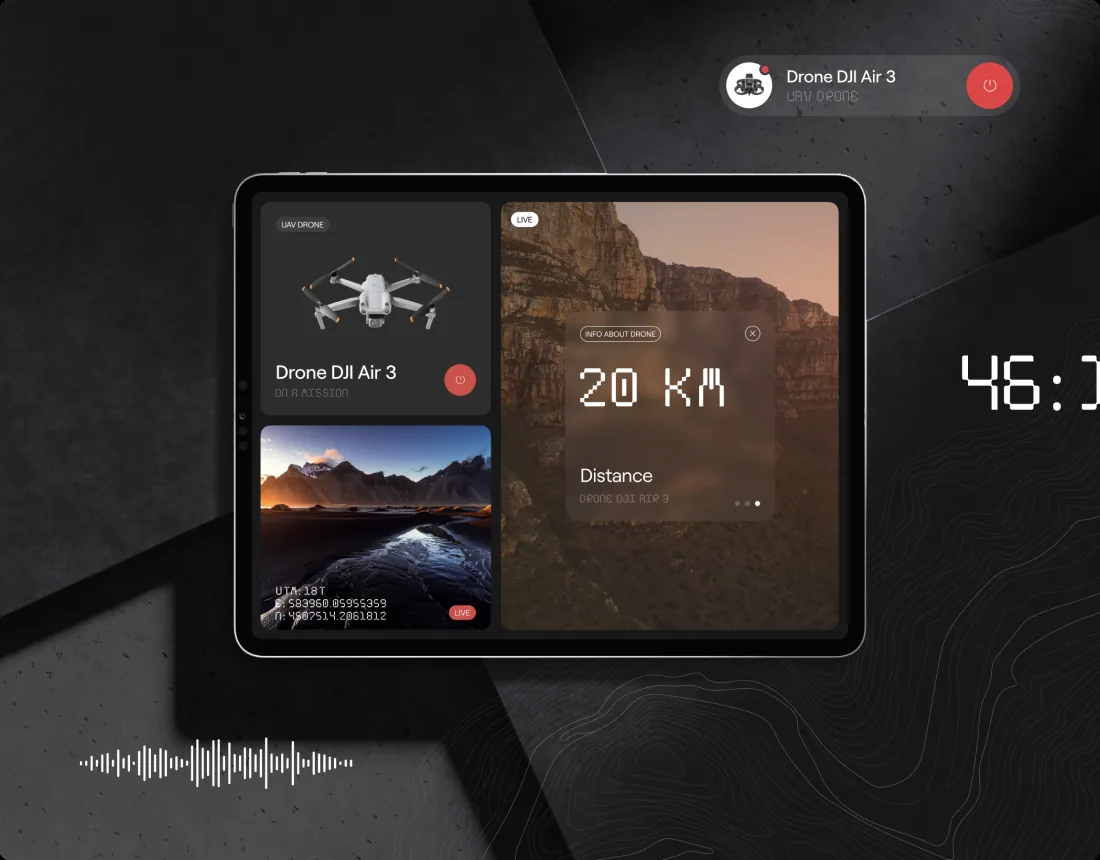 AI Drone ChatBotAI chatbot for drone operators. Product design as part of the startup's dedicated team.
«The team consistently delivered on time and was highly accommodating of questions and concerns.»
 Vitaliy SpivachukCEO & Co-Founder · Clutch
«Every our client says that the main thing that makes them trust us and choose us is our website and its design. So, the result speaks for itself.»
 Iryna HurievaCo-Founder · Clutch
Why AI and no-code are worth starting with
AI and no-code let a small team test a real product with real users before hiring engineers. You don't need to be a coding genius to start, and AI now drafts the first version of the app for you.
What stays hard is the part tools can't generate: knowing which screens matter and how they should feel. That is where we help, from product design for SaaS and AI tools to an agentic website that sells the product. See our cases for how this looks in practice.
Continue with part 2: Betty Blocks, PowerApps and OutSystems.
Key takeawayEveryone now has a chance to ride the coming wave.
Websites and products we shipped
 BloxFi80+ country pages from one template: how a fintech API went global
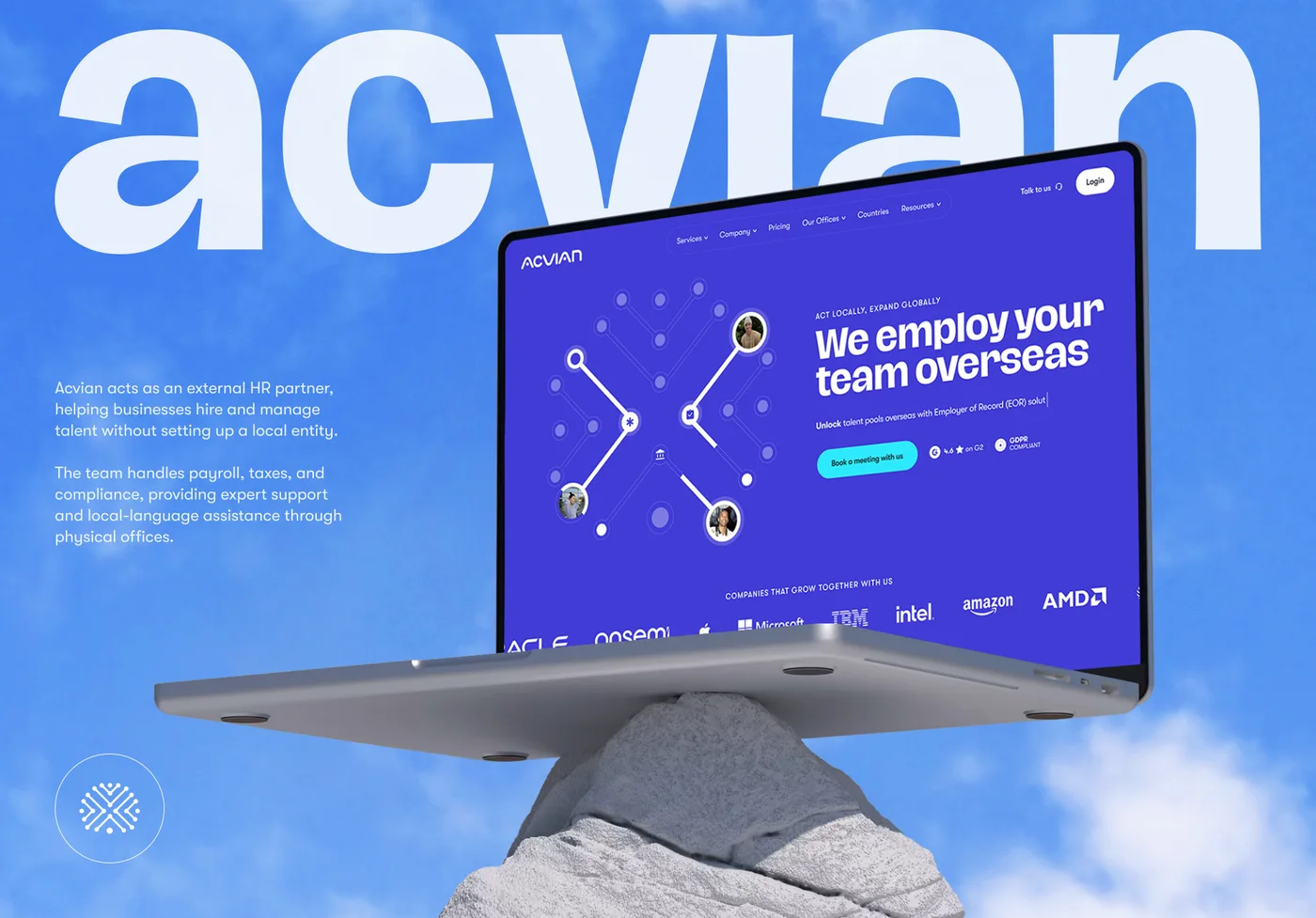 Acvian30+ pages in 60 days: a new Webflow site for a global HR partner
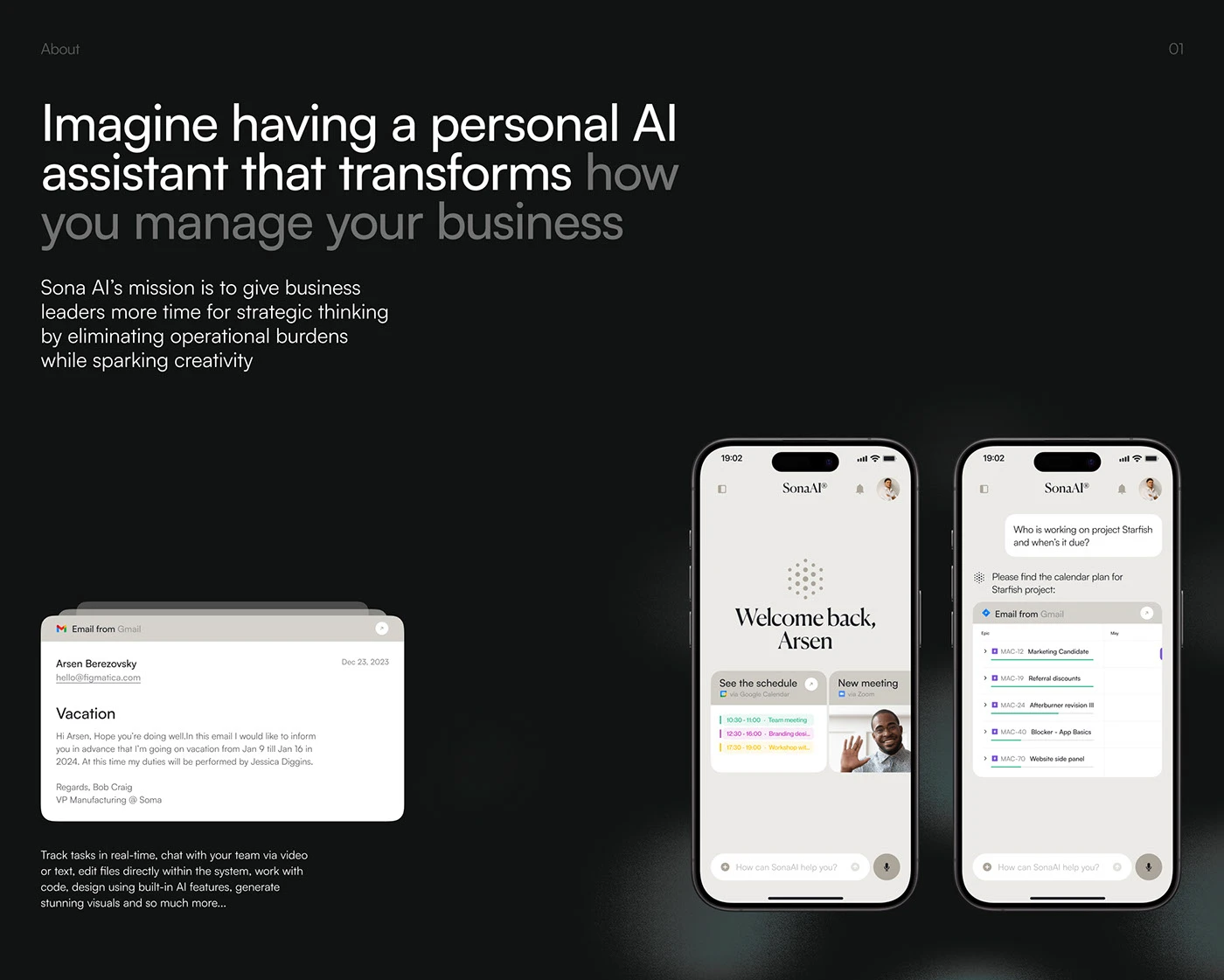 Sona AIThe AI assistant that brings order to chaos
Want the same for your site? 30 minutes, free.
Book a free call ↗