Sona AI. The AI assistant that brings order to chaos
Updated
Frequently asked questions
Common questions about this topic
How do you design an AI assistant app?
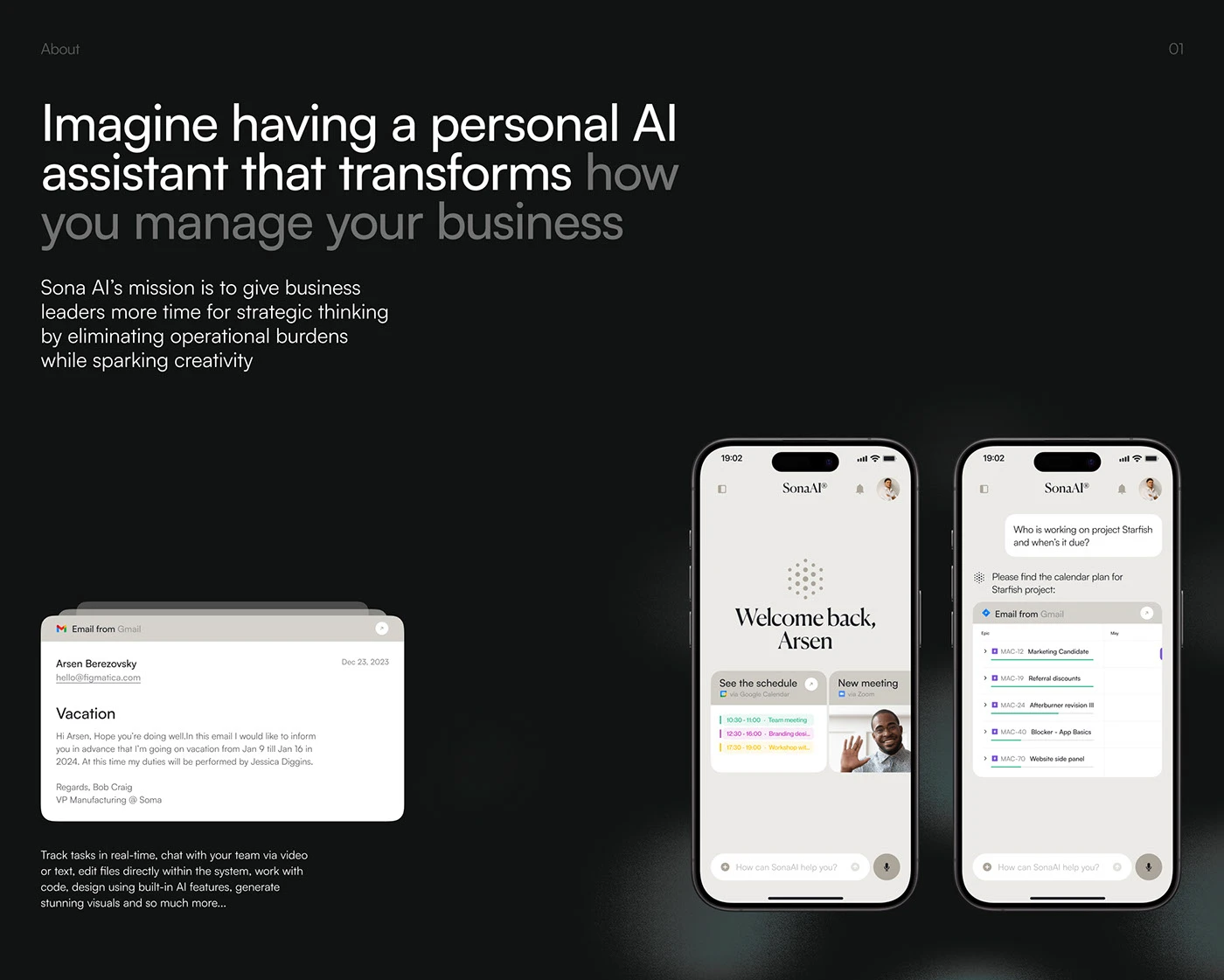
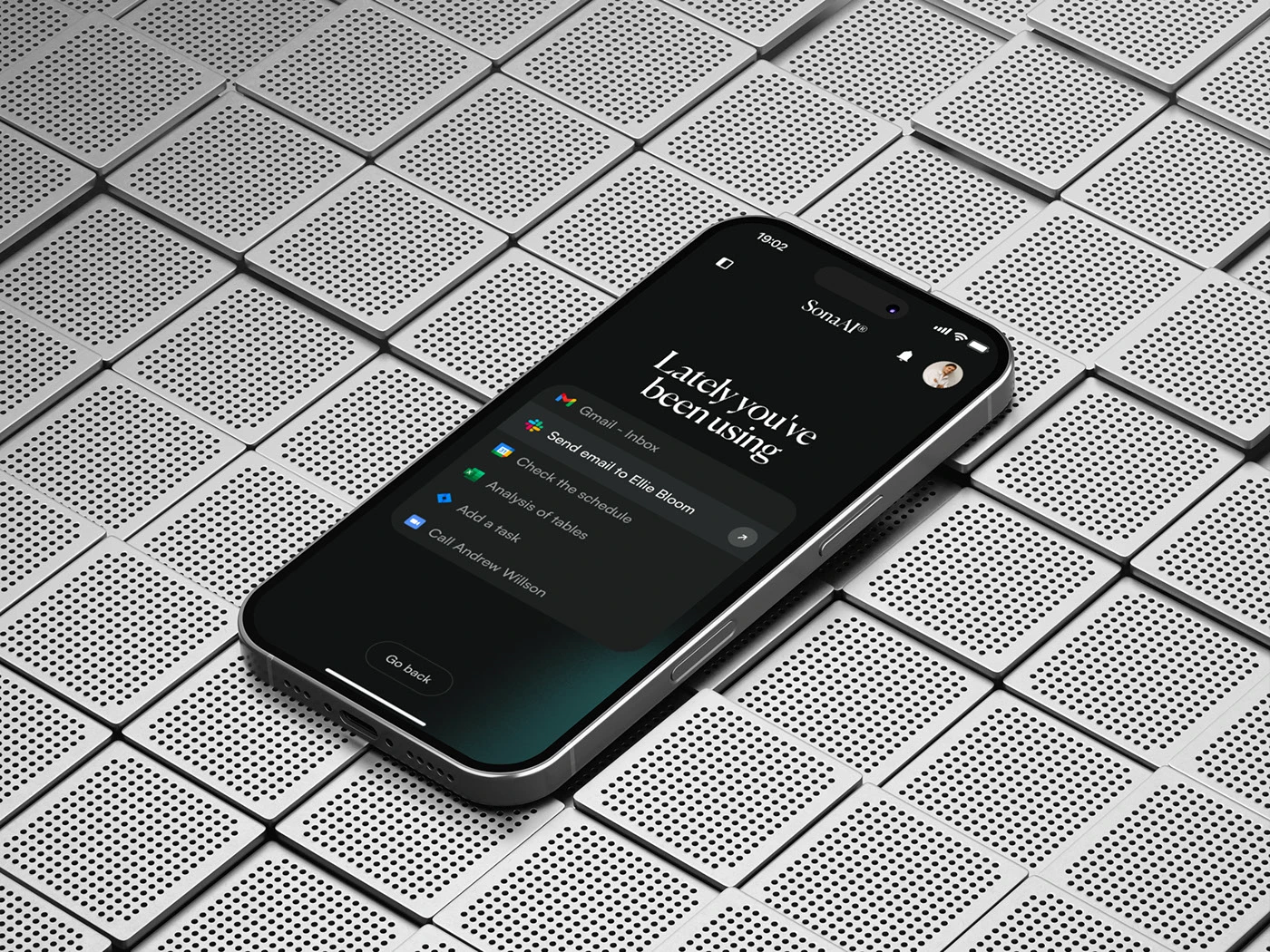
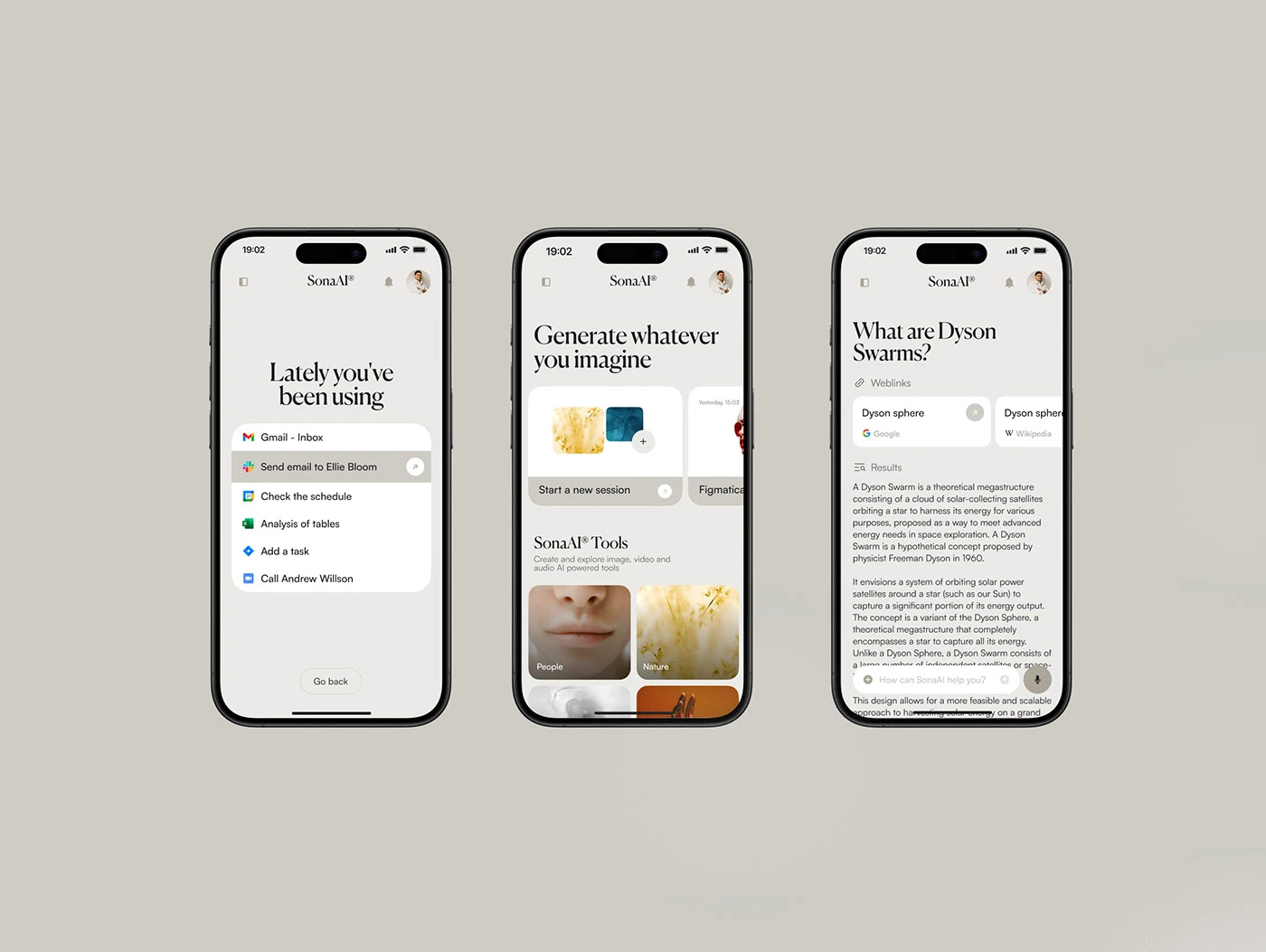
Start with the jobs people hand off, then keep the interface out of the way. For Sona AI we put one greeting, one input and recent actions on the home screen and moved chat, images, video, code and files into a single tool rail.
How do you fit many AI tools into one product without clutter?
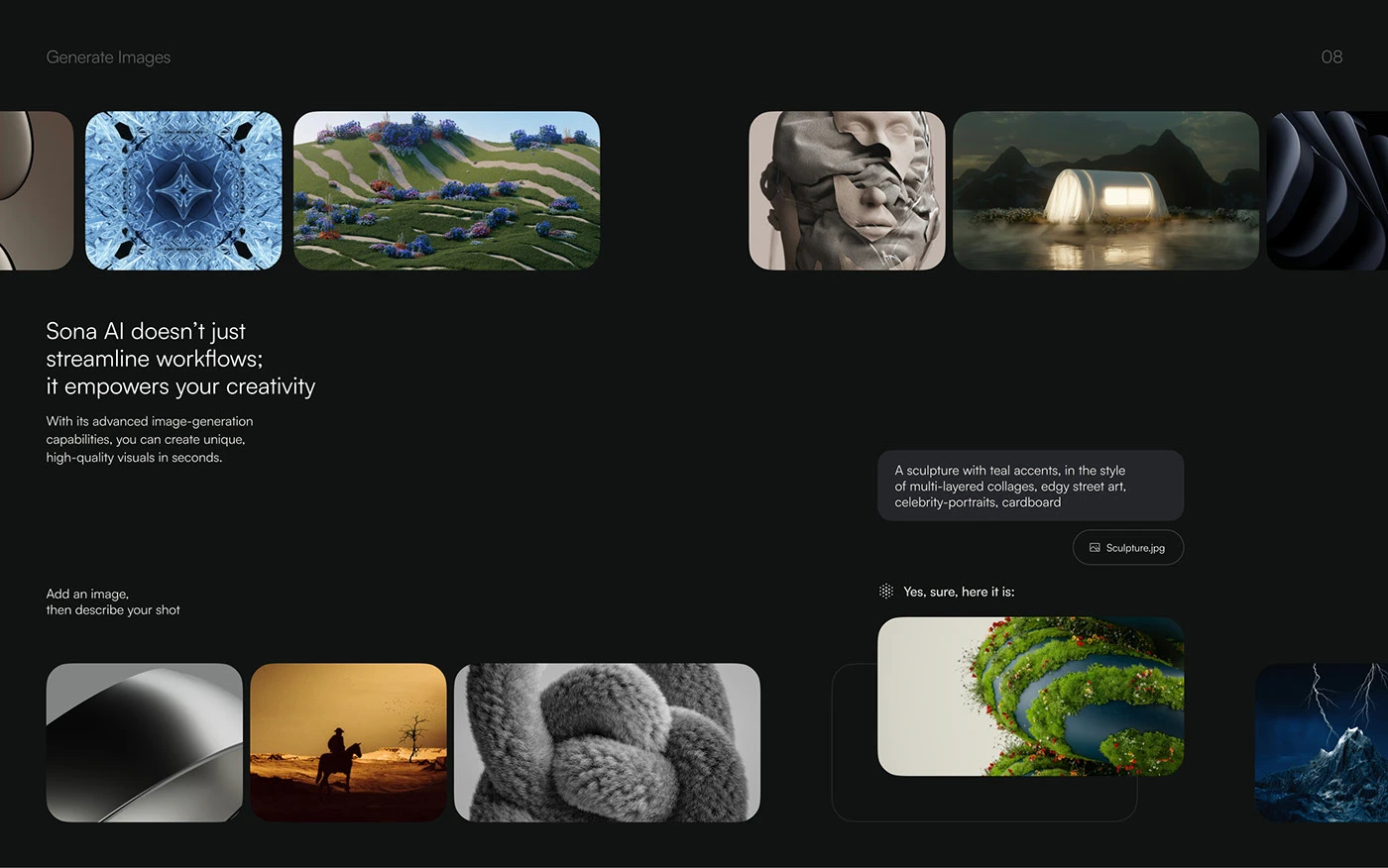
Map the user flow first. Sona AI has a finder, chat, image generation, video chat, a code writer, a file editor and an answer engine, all reached from one hub, so each tool feels like part of the same conversation.
What does the UX process for an AI product look like?
For Sona AI Figmatica went through design goals, competitor analysis and user research, then two weeks of wireframes and concepts, eight weeks of UX/UI design and two weeks of usability testing and iteration. Research came first because natural language, safety and ease of use were the core goals. How we run it for other teams: product design for SaaS and fintech startups.
Should an AI assistant work on desktop, tablet and mobile?
If people use it for work, yes, because the tasks follow them between devices. Sona AI was designed for desktop, tablet and mobile, with the same greeting, input and tool set adapted to each screen.
How do you brand an AI product so it feels human?
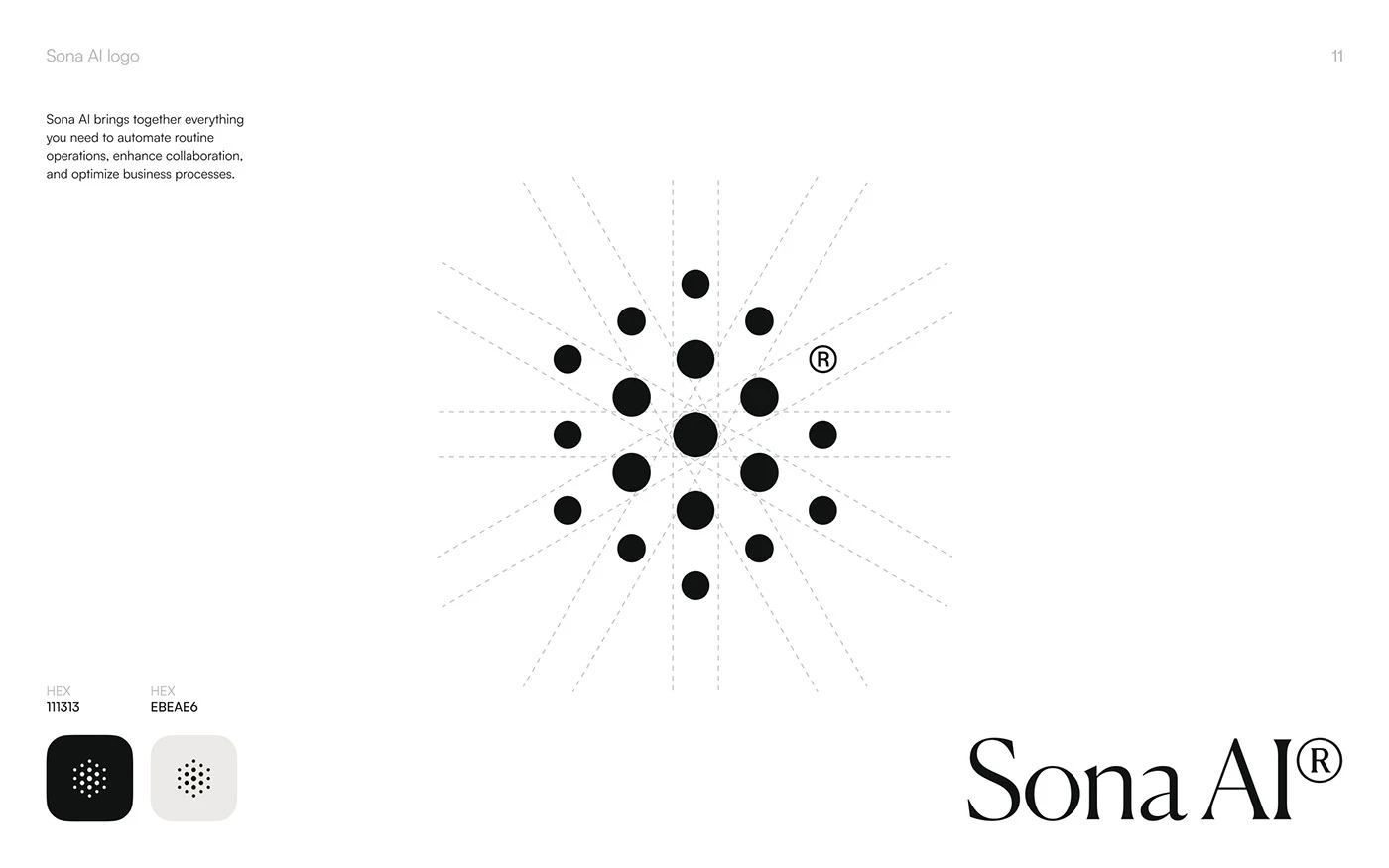
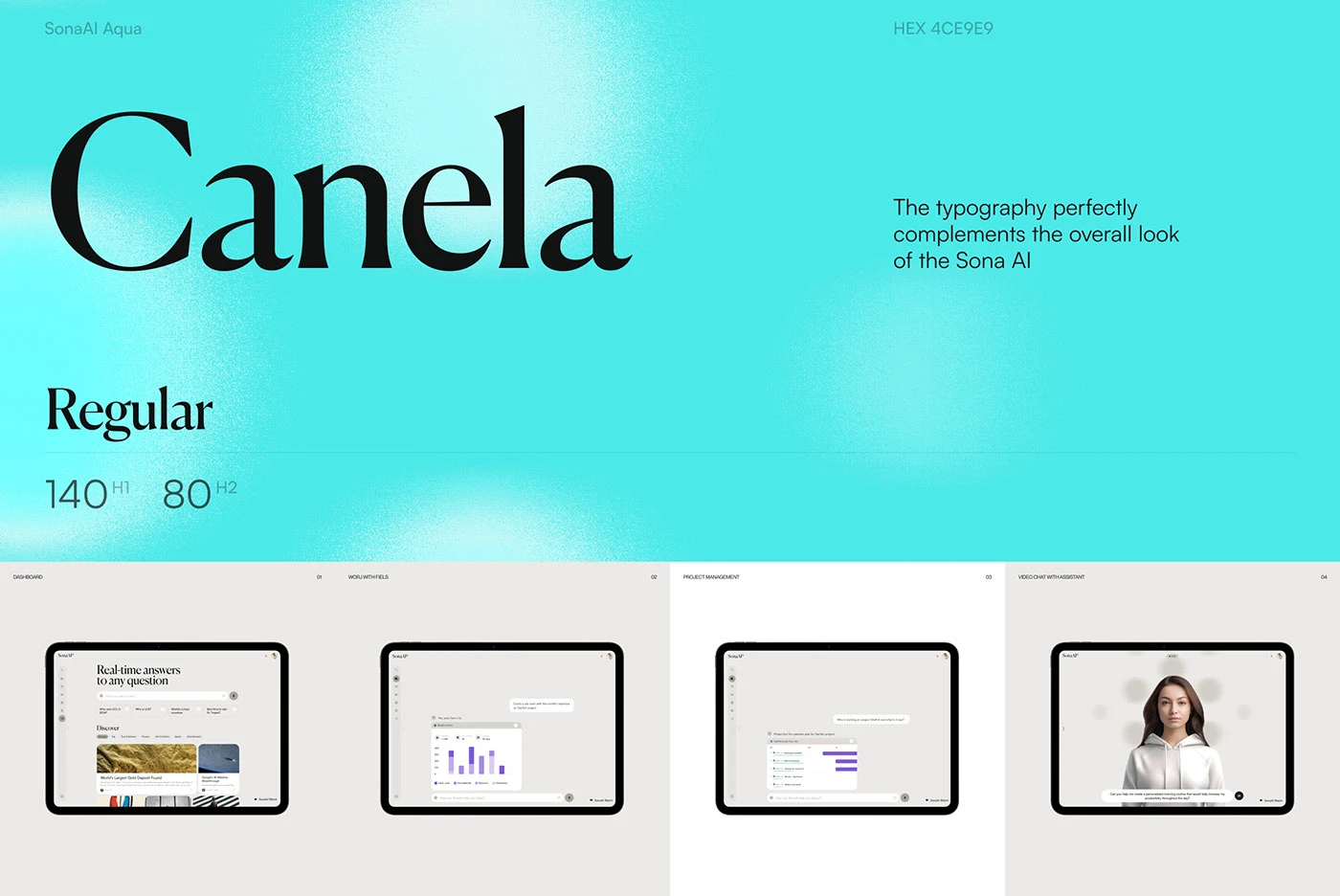
Give it a voice in type and restraint in colour. Sona AI pairs the Canela serif for greetings with Satoshi for the working UI, and its logo is a calm cluster of dots around one centre in near black and warm grey.
Related work